
Maus
The Mac clipboard manager that opens at your cursor
12 followers
The Mac clipboard manager that opens at your cursor
12 followers
Your clipboard, exactly where you need it. Multipaste, autopaste, OCR, search, custom workflows, and full customization. Free forever. Pro unlocks unlimited history for $12.99 once.


Hi everyone, I'm Manu from Maus!
What is Maus
A Mac clipboard manager, native Swift, no Electron.
No account, no cloud. 3.3 MB (dmg), 6.7 MB (installed)
macOS 14.6 or later.
Free forever with 24h history. Pro is $12.99 once - not a subscription.
Why I built Maus
I launched Maus in February 2026 because every Mac clipboard manager I tried wanted my attention.
Some take over the middle of the screen. Others sit in a corner of the menubar, forcing me to move across multiple monitors just to find them.
I wanted something different: a tool that stays almost invisible, shows up exactly when and where I need it, and gets out of the way until the next time.
Since then, 300+ people have started using Maus. I’m continuously refining it with one goal in mind: making the simplest, fastest, and most keyboard-friendly clipboard manager possible.
How Maus is different
Maus doesn’t want your attention. It shows up right where you need it, above your cursor, and disappears just as fast.
Almost everything is customizable: which features are enabled, the shortcut to open it, and even its position on screen. Make it as minimal as you want. And of course, you can use it entirely with your keyboard.
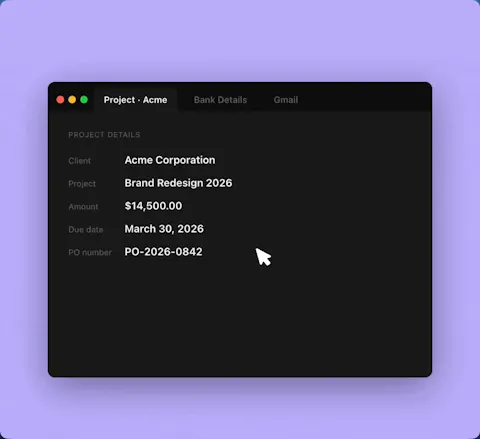
Autopaste (1st gif) - really happy with this one. One of the simplest things I've shipped and one of the most-adopted in 10+ years as a PM: double-tap ⌘ and copy whatever you need. When you're done, just paste. Super useful when copy/paste order doesn't matter.
Automatic OCR on copied screenshots - text becomes pasteable and searchable in your history.
Multipaste - open Maus, ⌘-click items in the order you want, or shift-click to select a range.
And more: Source-app filter to find clips by where they came from. Custom shortcut & window position - how Maus opens and where it appears, ignore apps, pin items, rename items, go to source...
Feel free to try, would love your feedback, especially on what would make you switch from whatever you use today.
Happy to answer anything in the thread.
Manu
50% off with PHLAUNCH (ends May 21)
Manu! Que aplicativo maravilhoso
Parabéns. Vou testar mais um pouco e compro a versão pro para custear o desenvolvimento.
Muito obrigado por compartilhar.