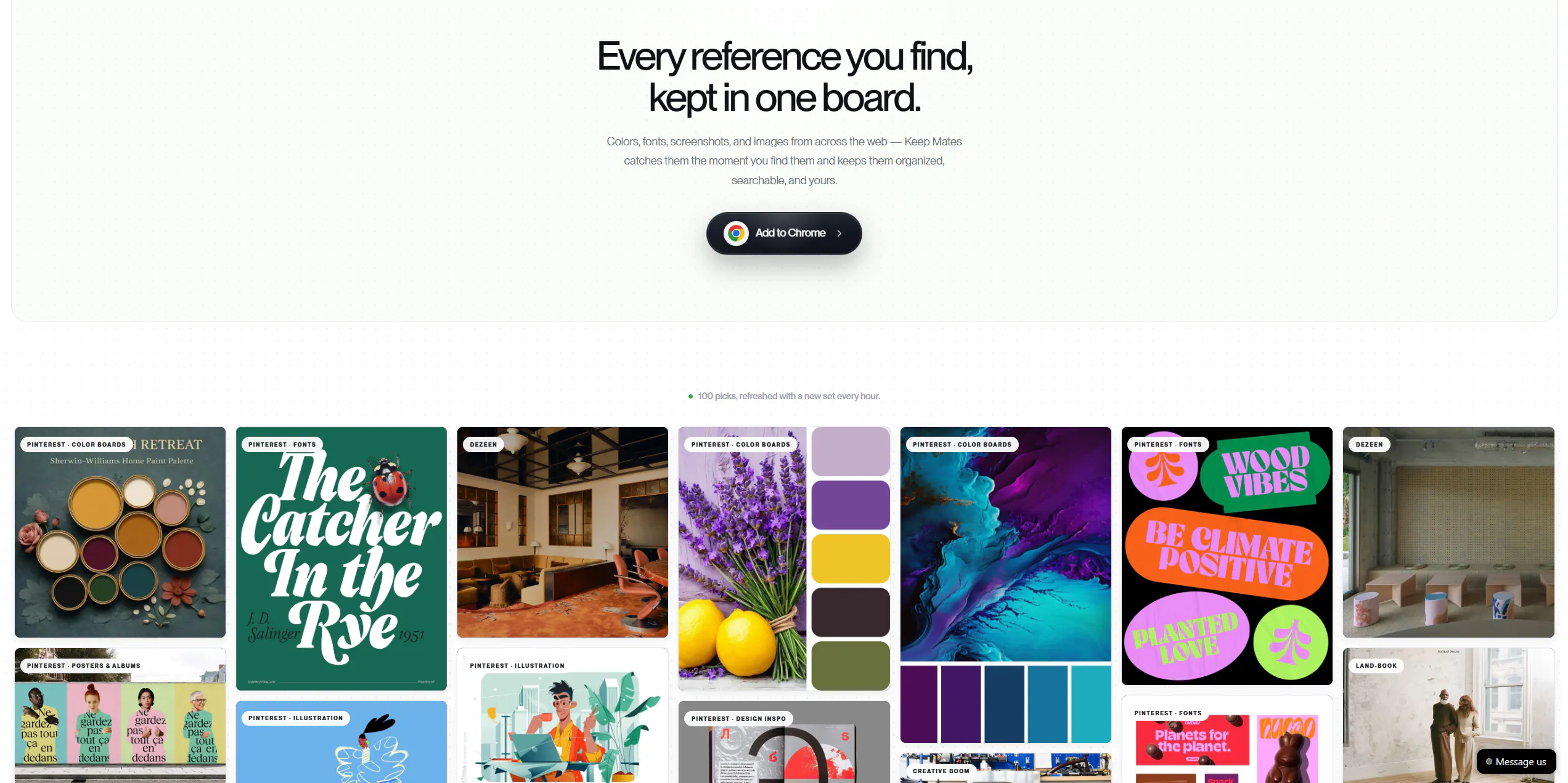
Keep Mates helps you save everything you find online and never want to lose, all in one place. Turn images, links, products, and inspiring content into organized collections. No more messy tabs, forgotten screenshots, or lost links. Everything you love stays easy to find and always within reach.
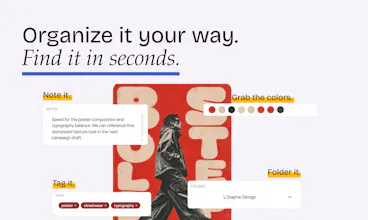

You can now save PDFs directly to Keep Mates and organize them alongside your websites, images, videos, and other saved content. Add notes and tags, place them in folders, and easily find them again whenever you need them.
No reviews yetBe the first to leave a review for Keep Mates
Maker
📌
Hey Product Hunt 👋
I’m Bilge, the developer behind Keep Mates.
Keep Mates is a personal internet library that lets you save links, articles, products, designs, screenshots, and anything else you discover online, all in one place.
How did Keep Mates come to life?
I spend a large part of my day in front of a computer. While working on graphic design and web development, I also save many things I come across throughout the day.
Sometimes it’s a color palette I find on Dribbble, a design I like on Behance, or an article related to my field. Other times, it’s a product I may want to buy later, a video I want to watch, or a website I need to revisit.
Whenever I needed to save a link quickly, I would usually open a notes app and paste it there. The link was safe for the moment, but a few days later, when I needed it again, I couldn’t remember which note I had saved it in.
I found myself searching through notes, screenshots, browser bookmarks, social media posts, and files, wasting time trying to find something I had already discovered before.
That is exactly the problem I built Keep Mates to solve.
My goal was not only to save the things we find online, but to create an organized and personal library where we can easily find them again later.
Using Keep Mates is simple:
1. Find the link or content you want to save.
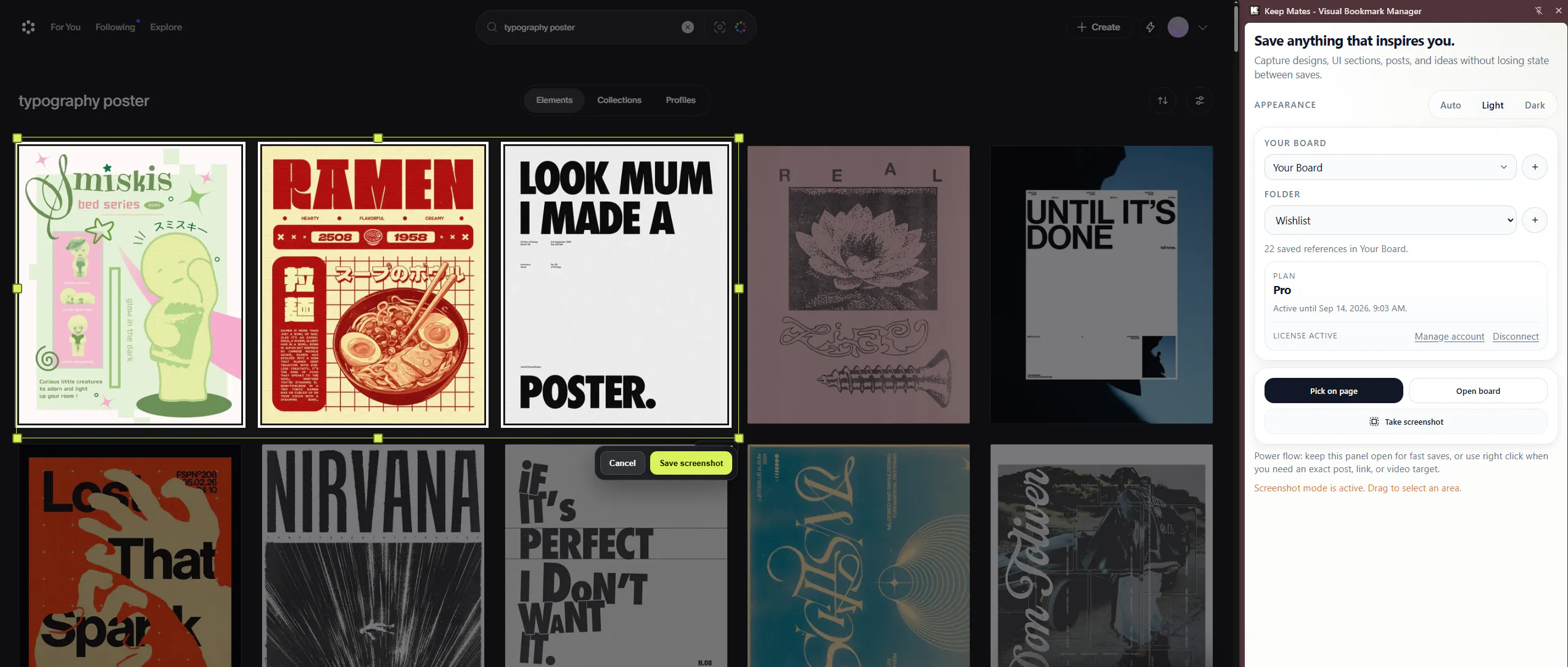
2. Save it with Keep Mates.
3. Add a note or place it in the right collection.
4. Find it again within seconds whenever you need it.
Who is Keep Mates for?
- Designers: Save inspiring designs, color palettes, interfaces, and web elements.
- Developers: Save useful web elements together with their text, colors, and CSS code.
- Students and researchers: Organize articles, resources, and content to read later.
- Shoppers: Keep products they may want to purchase later in one place.
- Content consumers: Save videos to watch, articles to read, and pages to revisit.
Anyone who collects too many links: Stop losing useful links inside random notes, messages, and browser tabs.
What can you do with Keep Mates?
1. Save anything
Store articles, products, videos, designs, links, and screenshots in one place.
2. Add notes
Leave short notes so you can remember why you saved something, even months later.
3. Create collections
Organize your saved items by topic, project, or purpose.
4. Extract color palettes
Capture the colors from any design you like with a single click.
5. Save web elements with their details
Save an element not only as a screenshot, but together with its text, colors, and CSS code.
6. Find your saved content again
Instead of searching through scattered notes, screenshots, and browser tabs, access your entire library from one place.
7. Keep your data on your device
Keep Mates is local-first. Your library stays on your device, and your content is never sent to a server.
Whether it is related to your work or your everyday life, Keep Mates is built to help you save everything you discover without losing it.
One last note
I started building Keep Mates to solve a problem I personally experienced. Now, I want to turn it into a genuinely useful tool for anyone who constantly collects content from the internet.
You can try Keep Mates for free and I would love to hear your thoughts, suggestions, and ideas.