
Glideo
Screen recordings that edit themselves
245 followers
Screen recordings that edit themselves
245 followers
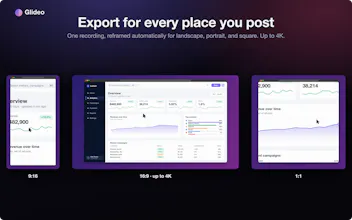
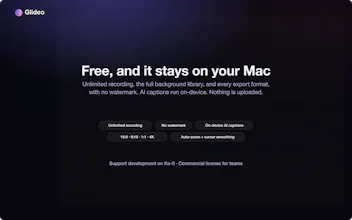
Glideo is a free macOS screen recorder built for product demos and dev tools. It turns raw screen recordings into polished demo videos: the camera zooms toward your clicks automatically, with no keyframing. Same automatic zoom that follows your clicks and cursor. Same polished output. Same "this looks way better than a raw screen recording" result, without a price tag. No trial. No watermark. No catch.


Free
Launch Team

Framer AI AgentsDesign and publish professional sites with AI
Promoted


the auto-zoom tracking is genuinely impressive, feels like something a paid editor would charge for. love that it's just a clean mac app with no upsells or watermarks hiding behind a paywall
Free macOS screen recorder with click-tracking zoom sounds too good to be true, but the output actually looks clean and the no-watermark thing sealed the deal for me.
cool product!
@jaisalr Thank you! And thanks for checking it out!
@jaisalr Thank you for checking it out!
the auto zoom that follows clicks is genuinely clever, always wondered why more screen recorders didnt just do that. nice work keeping it free with no watermark too