
Glideo
Screen recordings that edit themselves
250 followers
Screen recordings that edit themselves
250 followers
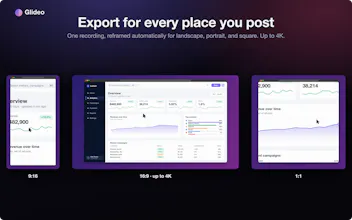
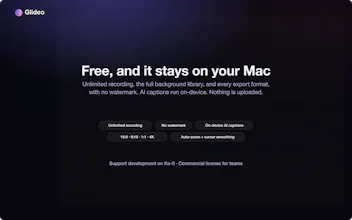
Glideo is a free macOS screen recorder built for product demos and dev tools. It turns raw screen recordings into polished demo videos: the camera zooms toward your clicks automatically, with no keyframing. Same automatic zoom that follows your clicks and cursor. Same polished output. Same "this looks way better than a raw screen recording" result, without a price tag. No trial. No watermark. No catch.


Free
Launch Team

Floot MCPBuild and ship web and mobile apps inside Claude or ChatGPT
Promoted


The auto zoom on click is genuinely satisfying, feels way more natural than the keyframe stuff I usually wrestle with. Also the no watermark thing is huge for me, can't believe that's free on macOS.
oh I needed this last week. spent 2 evenings editing a demo video for my own launch and it still came out meh. checking this out
@ashmil_hussain YES! Absolutely for the demo use case of putting something together for a nice polish without too much thinking! Thanks for checking it out!
finally tried this and the auto zoom actually follows my cursor smoothly without weird lag, super clean output for a free tool.
The auto-zoom following my clicks actually feels smooth, not jittery like some others i've tried. Really nice for quick demo videos.
Finally a screen recorder that doesn't dump a watermark on my demos. The auto-zoom following my clicks actually feels smooth instead of gimmicky, and being free with no trial nonsense is a rare treat.
finally a free mac recorder that doesn't slap a watermark on everything, the click follow zoom actually works surprisingly smooth without me touching a thing.
the auto zoom following my cursor actually looks really clean, way better than i expected for a free tool. super easy to drop straight into a launch post.