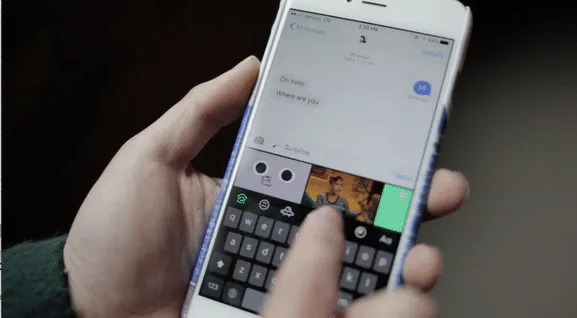
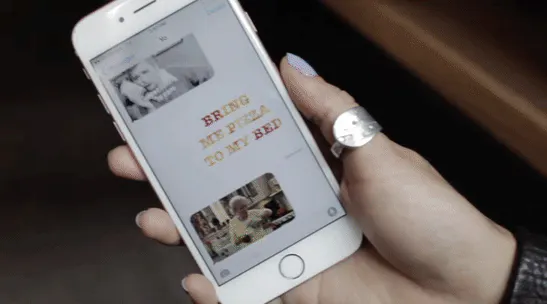
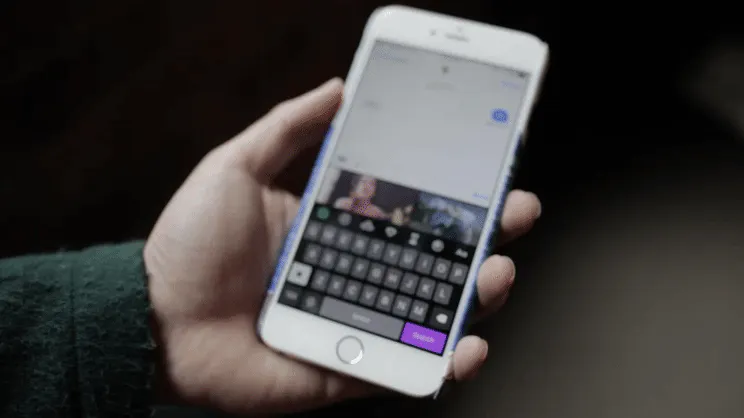
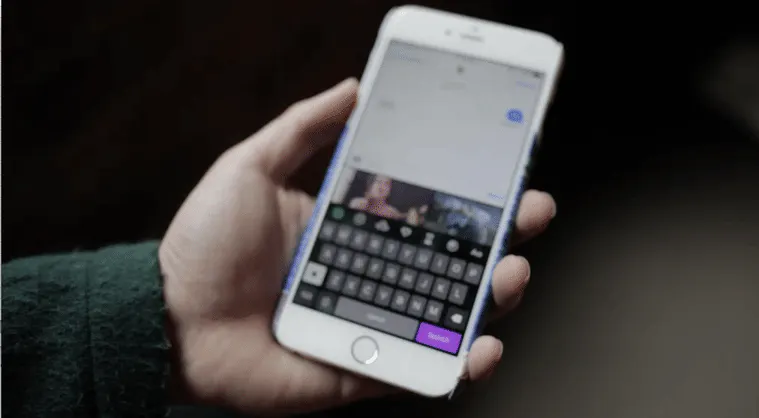
The leader in all things GIFs, just launched a custom iPhone keyboard (we knew this was coming). Of course, here's a GIF explainer:
P.S. The CEO, @alexchung, is on Product Hunt LIVE in a few weeks. His landing page is the best.
Report
Not as good as Giffage, in my opinion, but I like to see GIPHY finally make their own keyboard. My main gripes:
1. I wish the keyboard auto-minimized or I at least had the option to minimize it while I am viewing GIFs. The amount of space to view GIFs is too small...
2. Why can't this just be part of the main GIPHY app? Giffage has a viewer and keyboard in one app. Seems like a waste of space on my phone to have two apps for viewing GIPHY separately and using the keyboard.
3. When you copy a GIF there is text that says, "Paste Ya GIF". I expect to be able to tap on that to automagically paste my GIF where my text cursor is, but it doesn't.
@unseenvision Thanks for the feedback! GIPHY actually powers Giffage, so it's good to hear you're getting some milage out of their keyboard.
Totally understand wanting to get a better look at each GIF before sending and we're always thinking about ways to improve that experience beyond this V1. As for having to paste your GIF manually, I feel your pain; unfortunately this is a limitation of third party keyboards on iOS but could see how the look of that prompt could be misleading.
@unseenvision Also: I imagine one day the keyboard and main GIPHY app will live happily together inside one cute little app but for now we're letting Keys have its solo moment in the spotlight.
Report
I've been using GIF Keyboard from Riffsy and it has a lot of great functionality and has become indispensible. Assuming you're familiar with it, what are some key differences that might get me to switch? @merkinspurlock
@bradenhamm Maybe the big thing is the content-- GIPHY being "All of the GIFs" is not an exaggeration, and we've got these insane editors working nonstop making, curating, tagging GIFs and perfecting that trending feed and search experience you see on the dot com and our other mobile products. And this other thing may ultimately be something that comes down to personal preference... but when it came time to make this product for ourselves, we were excited by the idea of the keyboard potentially acting as a default for frequent GIF-users. Frustrated with the clunky process of switching in and back out of other keyboards, we thought "let's just add GIFs to the keyboard, instead of replacing it".
Report
@merkinspurlock so I could use my GIF keyboard as a "real word" keyboard too?!
Report
What was your thinking as to working within the visual frame of iMessage and not changing the color/button size/spacing etc vs going your own way with a distinctive color and different feel? I see tradeoffs for both so curious how you rationalized those choices.
@dleesta It actually felt like a pretty clear decision to keep the typing experience as close as possible to the native keyboard since it's given so much real estate; we didn't want users to have to re-learn how to type, and most probably would have opted not to anyway. Ultimately we felt like skinning the keyboard not only didn't interfere with typing, but also eliminated some confusion around trying to figure out which keyboard you had open. Not to mention, those GIPHY vibes... ✌
Report
Awesome job. Its interesting to see the new UI/UX and the different functionality of keyboards. The fact that you can search within the actual text message box is great functionality. Making use of more keyboard space is beneficial to the user experience. Pasting is still annoying and downloading the keyboard and having to activate the keyboard is a bad experience but hopefully Apple makes some changes soon on the next OS.
Is there anywhere that someone can guide me to in order to find out the rules and regulations for keyboards? Basically explain what you can and cannot do? Preferably something that is easy to understand. I am interested in working on a keyboard.
@merkinspurlock A life goal of mine is to replace all my verbal exchanges between friends, with gifs instead of words. Is GIPHY Keys a good way to do this? Please respond quickly - people are texting me and I don't know what to do.
Product Hunt
GIPHY
GIPHY
GIPHY
GIPHY
GIPHY
GIPHY
GIPHY
GIPHY
Summer Bod 2020