
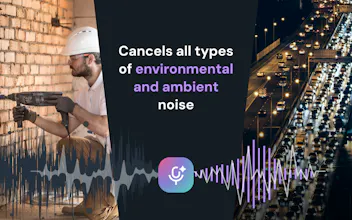
Effects SDK helps developers add production-ready AI video and audio effects to web, desktop, and mobile apps. Add background blur, virtual backgrounds, smart framing, lighting correction, beautification, overlays, avatars, and real-time noise suppression — all running client-side, without sending video or audio to our servers.


Free Options
Launch Team

Framer AI AgentsDesign and publish professional sites with AI
Promoted


Congrates! I’m curious how you’re thinking about real-time performance for AI video and audio effects. Are you targeting browser apps, native mobile, desktop, or more server-side use cases first?
Since Effects SDK runs entirely client-side, how does performance hold up on lower-end devices when you stack multiple effects together, like background blur plus noise suppression at the same time?
Running everything client-side is a big plus. Privacy matters more than ever, so it's great to see features like background blur and noise suppression without sending data to external servers. I'd be interested to know how it performs on lower-end devices.
How does performance hold up on lower-end mobile devices when running something like background blur plus noise suppression at the same time, and is there any fallback when the GPU isn't capable?
How does the client-side processing hold up on lower-end mobile devices, especially for real-time effects like background blur and noise suppression together?
Congrats! Since everything runs client-side, curious what battery/CPU looks like on mobile once you stack a few effects together, like blur and noise suppression running at the same time.
What's the typical latency for the real-time audio effects? Asking as someone who runs a live music stream.