
Denker
Your AI coworker that follows where you work
68 followers
Your AI coworker that follows where you work
68 followers
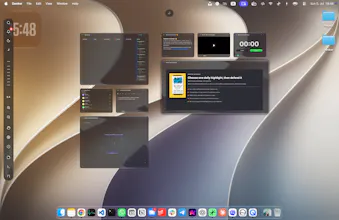
Denker is the AI coworker that follows where you work. Agents see your screen, coordinate around shared context, and execute across your desktop. You direct from your cursor — no prompts to manage, no tools to switch — and results arrive where you are.




Hi, Jane here, founder of Denker 👋,
AI has made generating ideas easier, but execution is still fragmented. We jump between chats, apps, and tabs, constantly repeating context and managing AI instead of moving work forward.
That's why we built Denker — the AI coworker that follows where you work. Agents understand what you're working on, coordinate around shared context, and execute across your desktop. You think, direct, and delegate — your agent team gets the work done.
What that means in practice:
🖥️ Agents see what you see. They follow your screen and your work, so you never re-explain context.
🗣️ Start work by talking. Wake an agent, say what you need, and it's on it.
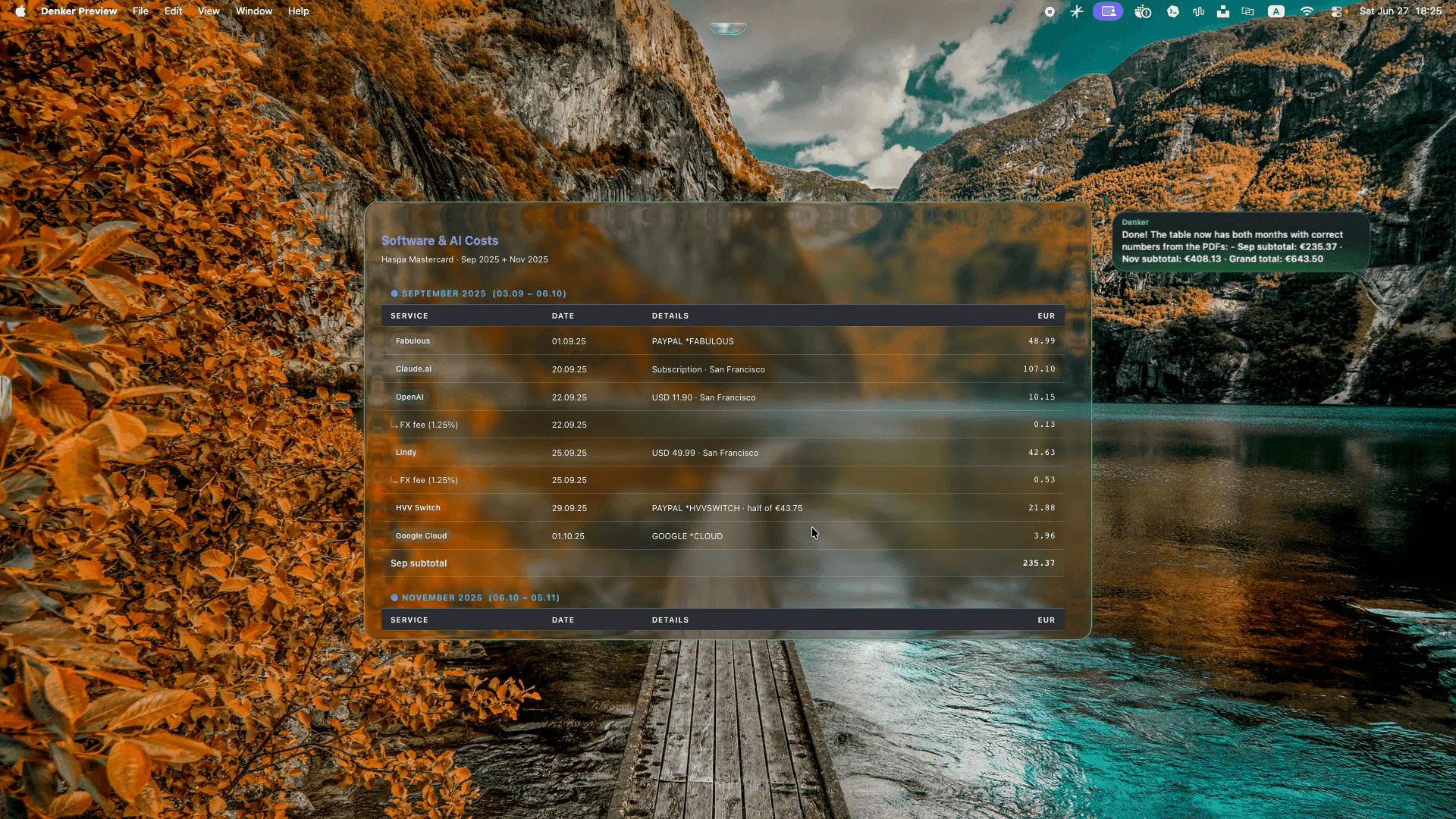
👀 Watch them work. Every agent has a name and a cursor, and every result lands as a live frame on your canvas. No black boxes.
⚡ Run everything in parallel. Research, drafts, and code happen side by side, each agent in its own session.
🧠 Shared memory. Conversations and agent steps become a knowledge graph your whole agent team draws on — it remembers how you work.
🔌 Never locked in. Runs on Claude Code, Codex, or OpenCode, powered by the subscription you already pay for. No token markup.
Denker is a Mac app and here you get 3 months free pro plan during early access at denker.ai.
We'd love your feedback — what would make an agent team genuinely useful in your workflow?
@danielsinewe Hey Daniel, thanks so much!!! Let me know how you like it!
PicWish
@janez12 congrats team! 🚀 love that you guys don't do token markup and let us use our own claude code or codex keys.
@mohsinproduct Hey Mohsin, thanks so much! 🙏 Yeah, no token markup and BYO keys (Claude Code or Codex) was important to us. Would love your take once you've had a chance to try it out!
@janez12 one thing I didn't see addressed, what's the actual onboarding like, do I have to reconnect every single app individually or is there some kind of bulk setup
@janez12 Genuinely impressed by the ambition here. Most launches this month are incremental, another wrapper around an existing model, but this is actually trying to rethink what the interface to AI even looks like. Doesn't mean it's fully there yet, but it's the kind of swing that's worth watching closely over the next few releases.
@janez12 huge fan of the "results land where you're working, not another tab" framing, that's the whole pitch in one line honestly
Dial
the always-on screen visibility is the interesting tradeoff here. does it pause or blackout when you're on something clearly unrelated to work, like personal banking or a client's confidential doc that shouldn't feed into shared context, or is it capturing everything on-screen indiscriminately and trusting you to close it when it matters
Really like the direction but curious what the failure mode looks like. Every demo shown is a success case, which makes sense for a launch video, but I'd love to see a "here's what happens when it gets something wrong and how you recover" section because that's honestly the part that would build the most trust with me.