
DemoShots
Turn screen recordings into product stories
5 followers
Turn screen recordings into product stories
5 followers
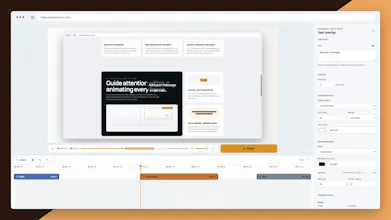
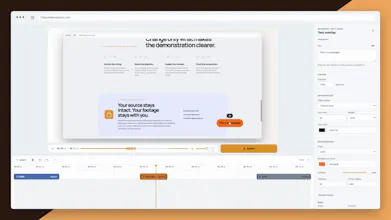
Create product demos with a beginning, a walkthrough, and a clear next step. Record your product in Chrome, add slides to set the scene, and use text overlays, zooms, and click highlights to explain what matters. Trim pauses, adjust the framing, and export an MP4 or WebM—all on your device, with no account required.
Free
Launch Team

AWS Activate CreditsCredits that fuel your startup’s next milestone
Promoted
Hey Product Hunt! I’m Arshad, the maker of DemoShots 👋
When you share a product demo, you’re asking someone to understand what you built—and why it matters. That takes context: what they’re looking at, where to focus, and what to do next.
I built DemoShots to bring those pieces into one workflow in Chrome.
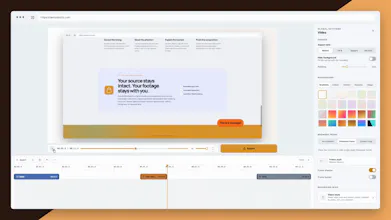
Record your product, open with a slide, and add text overlays to explain the key moments. Use zooms and click highlights to guide attention, trim the pauses, and finish with a closing slide that gives viewers a next step.
You can also add camera and microphone recordings, generate captions on your device, and customize the framing before exporting an MP4 or WebM. Your footage stays on your device, and there’s no account to create.
DemoShots is in beta. I’d love to hear what you’re demoing—and which part of making that demo takes the most work.