
CompX Orbit Studio
Your Creative Workflow, Inside One Orbit.
13 followers
Your Creative Workflow, Inside One Orbit.
13 followers
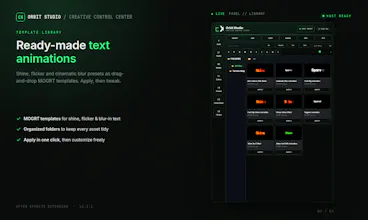
Orbit Studio is an all-in-one workflow extension for Adobe Premiere Pro and After Effects. Motion tools, captions, text utilities, gradients, FX management, workflow automation, assets, and productivity features—all inside one clean panel.



Payment Required
Launch tags:Design Tools
Launch Team / Built With


AWS Startup AdvisorPersonalized AWS guidance that meets you where you’re already building
Promoted
Would love to see a built-in preset sharing feature so teams can sync their motion templates and gradient collections across machines. Right now copying setups between workstations is the biggest friction in our editing pipeline.
@npspro Really appreciate this suggestion — you're pointing at a real gap. Right now presets/gradients are referenced by local path (nothing gets copied into the panel), which is great for speed but means there's no way to move a setup between machines yet.
Worth flagging why this isn't a simple "just add cloud sync" toggle though: CEP panels have real constraints — they're basically an embedded browser process inside AE/Premiere, so anything that keeps a live connection, does background syncing, or bundles a lot of extra assets directly into the ZXP adds real memory/CPU overhead and can make the whole host app feel laggy, especially on lower-end machines. Bloating the extension size also slows down install/update for everyone, even people who don't need team sync.
So the plan is to keep the core panel lightweight and add this as an opt-in layer: first a simple export/import bundle (pack your presets + collections into one file you move manually), then a proper sync option for teams that only kicks in when you actually turn it on — not something running by default for every user.
Thanks for the push on this, it's genuinely on the roadmap now 🙌