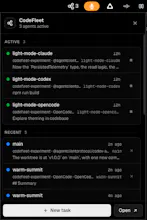
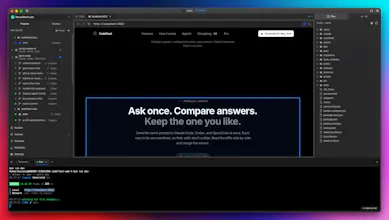
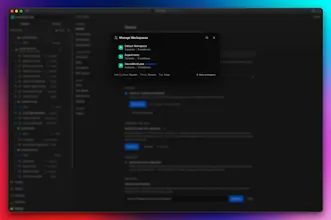
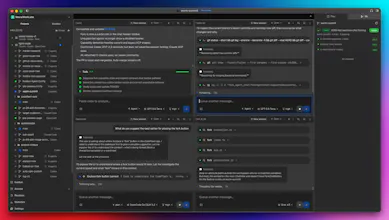
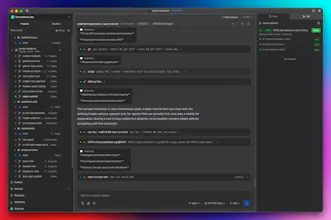
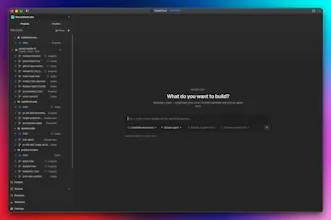
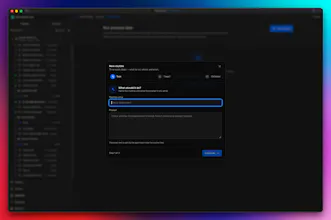
CodeFleet is your command center for AI coding agents. Run Claude Code, OpenAI Codex, Grok, and OpenCode side by side, each in an isolated git worktree. See every file read, edit, search, command, and diff in real time. Coordinate parallel tasks, compare results, manage routines, and stay in control from one native macOS workspace.
No reviews yetBe the first to leave a review for CodeFleet
Maker
📌
Hey Product Hunt 👋
I’m Rommel, the maker of CodeFleet.
AI coding agents are becoming incredibly capable, but managing them can still feel chaotic.
One agent is editing files. Another is running tests. A third is exploring a different solution. Their work may be spread across multiple terminals, branches, and applications, leaving you to piece together what is actually happening.
I built CodeFleet to become the command center for that workflow.
CodeFleet lets you run Claude Code, OpenAI Codex, Grok, and OpenCode side by side. Each agent can work inside its own isolated git worktree, so multiple agents can tackle the same project without stepping on each other’s changes.
From one workspace, you can:
• See every file read, edit, search, and shell command
• Monitor multiple agents in parallel
• Compare implementations and diffs
• Manage branches, terminals, tasks, and routines
• Step in whenever an agent needs direction
• Keep control of the final result
CodeFleet v1.0 brings these pieces together into one command center.
The idea behind it is simple:
Your agents write the code. You command the fleet.
CodeFleet is currently free, with no account or signup needed.
I’d love to learn how developers are managing AI coding agents today:
1. Are you already running multiple agents on the same project?
2. What is the hardest part of keeping track of their work?
3. What would you need before trusting agents with larger production tasks?
Thanks for checking out CodeFleet. I’ll be here throughout the launch answering questions and learning from your feedback.