
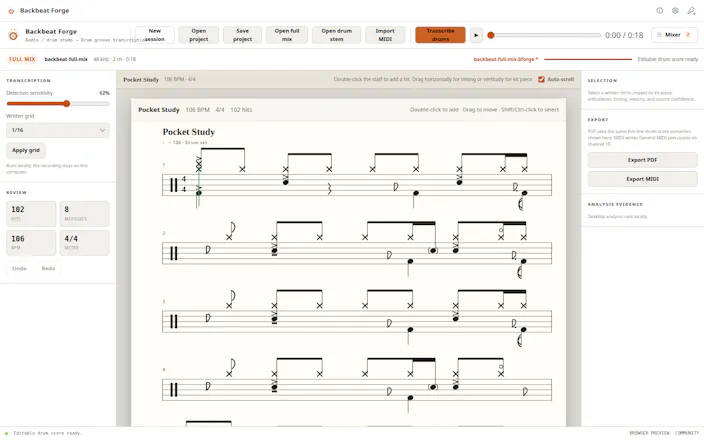
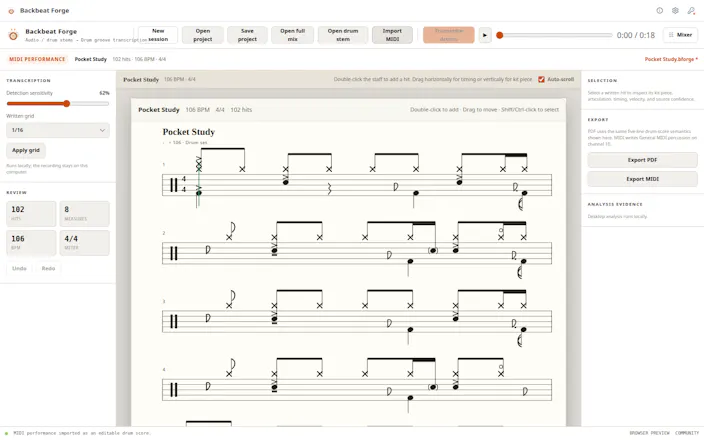
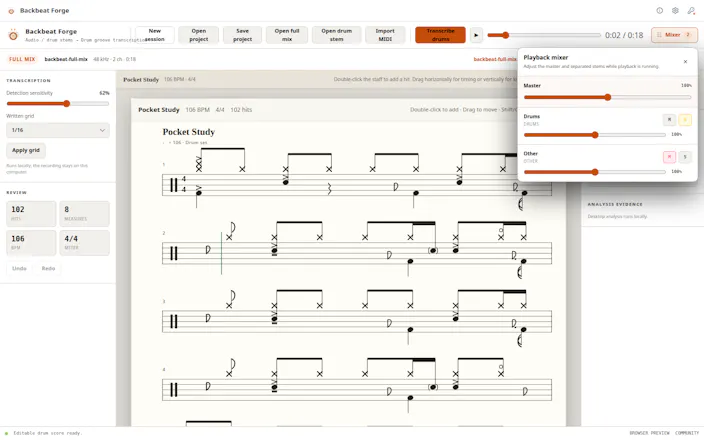
Drop in a full mix or an isolated drum stem. Backbeat Forge puts the performance on a five-line drum score you can check against playback and correct by hand. When the chart feels right, export it as a printable PDF or General MIDI file. It all runs locally.


The transcription side looks solid, and running it locally is a big plus. One thing I'd love to see is a way to nudge the detected tempo before it lays out the grid, since slight drift in the source clip often throws off the whole chart and forces a lot of manual cleanup.
@cihanatagan Thanks, Cihan. That’s a very good point. A slightly wrong tempo estimate can shift the whole grid and create far more cleanup than the transcription itself.
I’m considering adding a tempo adjustment step before the score is finalized, ideally with a way to preview the grid against the audio before committing it. That would make drifting or loosely played recordings much easier to correct globally instead of moving notes one by one.
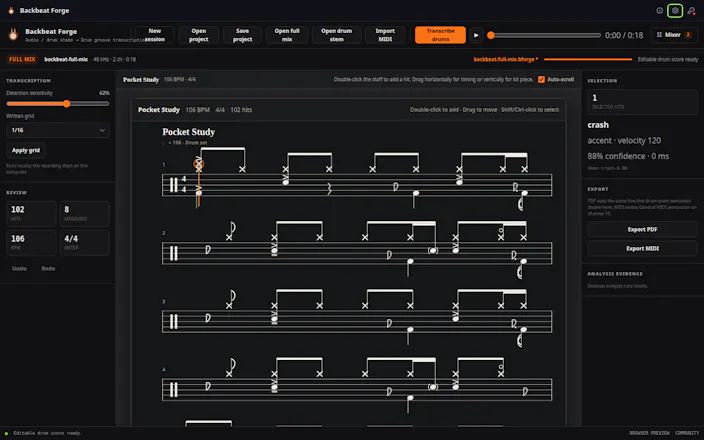
The drum transcription accuracy is impressive for a local tool. One thing that would really round it out is adding a confidence indicator on each detected hit so you know where to focus your manual corrections first, maybe color coding notes the algorithm is less sure about.
@emelzgbk Thanks, Emel. A per-hit confidence indicator makes a lot of sense, especially for ghost notes, cymbal bleed, and dense fills where the model is less certain.
Color-coding lower-confidence notes could turn the editor into a much faster review workflow, since you could focus on the questionable areas instead of checking every hit equally. I’ve added this to the list of improvements I want to explore.
The local processing is the part worth paying attention to. A lot of transcription tools quietly send your audio to a server, which matters alot!
@mohammed_messeguem Exactly. That was one of the main reasons I built it this way. Your audio stays on your own machine, so you don’t have to upload rehearsal takes, demos, or unreleased tracks somewhere just to get a transcription. Thanks for noticing that.
This is cool, did you make it out of your own need or what inspired you?
@ankur_jeswani A bit of both. I kept running into the same problem: drum transcription takes a lot of time, and most tools either focus on melody or give you something that isn’t really editable. I wanted a workflow that could turn audio into a usable starting point, then let you clean up the score yourself.
I have some friends that are drummers. What's been the problem in getting the notation right?
@reda_roqai_chaoui The hardest part is that drum sounds overlap a lot. A kick, snare, hi-hat, and cymbal can all happen almost at the same time, and in a full mix they also compete with bass, guitars, and vocals.
After detecting the hits, the software still has to decide which drum piece was played, how strong it was, and where it belongs rhythmically in the bar. Fast fills, ghost notes, cymbal tails, and kick-and-bass overlap are usually the trickiest cases.
The goal isn’t just to detect sounds, but to turn them into notation a drummer can actually read and edit.
Dropped in a stem and the transcription came out close enough that I only had to nudge a few hits by hand, which is way better than I expected. The PDF export looks clean and ready to print for a real chart.
@aykutq0yd Thanks, Aykut! That’s exactly the workflow I was aiming for: get close enough automatically that you’re adjusting a few hits rather than building the entire chart from scratch. Really glad the PDF came out clean enough to use as an actual printed score.
@hannes_wan appreciate the straight answer on the kick/bass overlap case, that's exactly the scenario I'd worry about with any busy mix. separating drums first before detection is the right order of operations though. good luck with the low-frequency separation work, that seems like the genuinely hard remaining 20%.