
VibePad
Control AI coding assistants with a gamepad from your couch
128 followers
Control AI coding assistants with a gamepad from your couch
128 followers
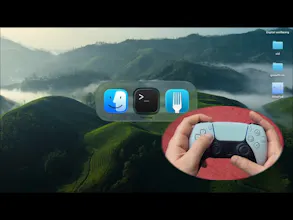
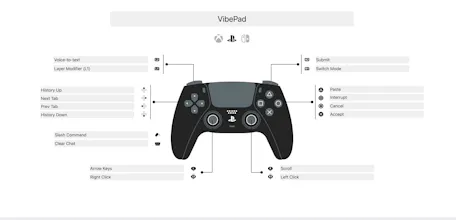
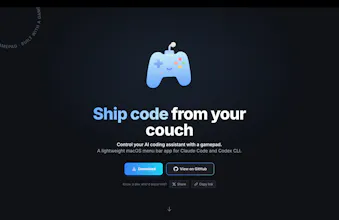
VibePad is a free macOS menu bar app that maps your gamepad to keyboard shortcuts. Built for AI coding tools like Claude Code and Codex where the workflow is mostly Accept, Reject, Scroll, Navigate and Dictate. X - approve, O - reject, L2 trigger = hold-to-talk dictation, Right stick = scroll. Config is a JSON file if you want to remap anything. Native Swift. Open source. No account, no subscription, no catch. The idea started as a joke - then I built most of VibePad using VibePad itself.


This is hilariously genius. The accept/reject/scroll loop with AI coding tools really is mostly binary decisions, mapping that to a gamepad is a surprisingly natural fit. Have you considered adding haptic feedback patterns for different event types (build succeeded vs. failed, new suggestion ready)?
@lepaulrenard For sure, haptic feedback is planned for the next update!
Wordwand
This is such a cool idea@vova_ignatov!
Building VibePad with VibePad is a fantastic example of dogfooding. It's awesome that you've made coding feel more like gaming. I will try it for sure
@diegodau Thanks, looking forward to your feedback ❤️
Product Hunt
I don't know how functional this is but respect. 🫡
@rrhoover Give it a try, It is way more viable than it seems