
Screenify Studio
Polished product demos on Mac recorded by an AI agent
90 followers
Polished product demos on Mac recorded by an AI agent
90 followers
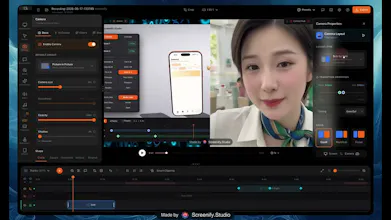
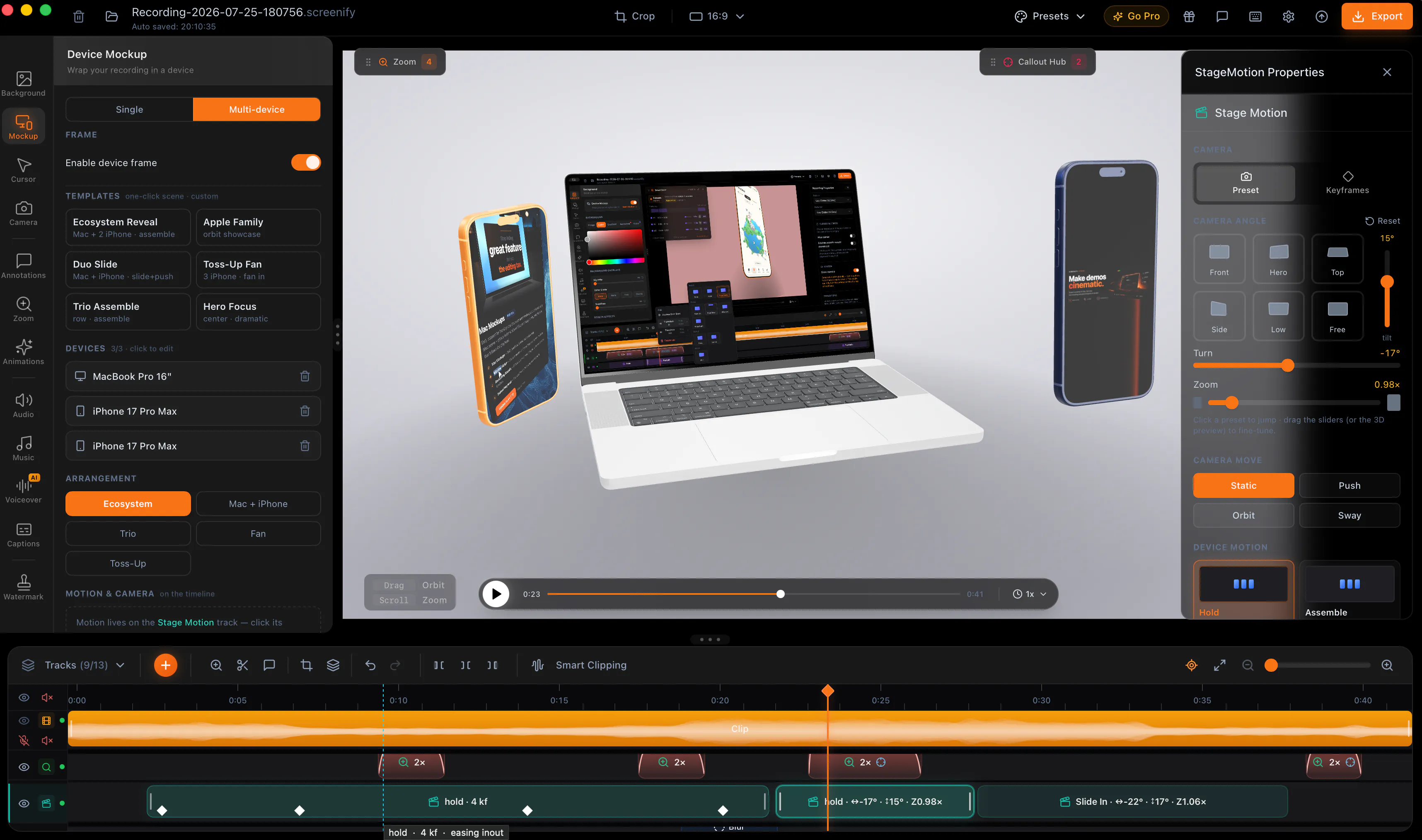
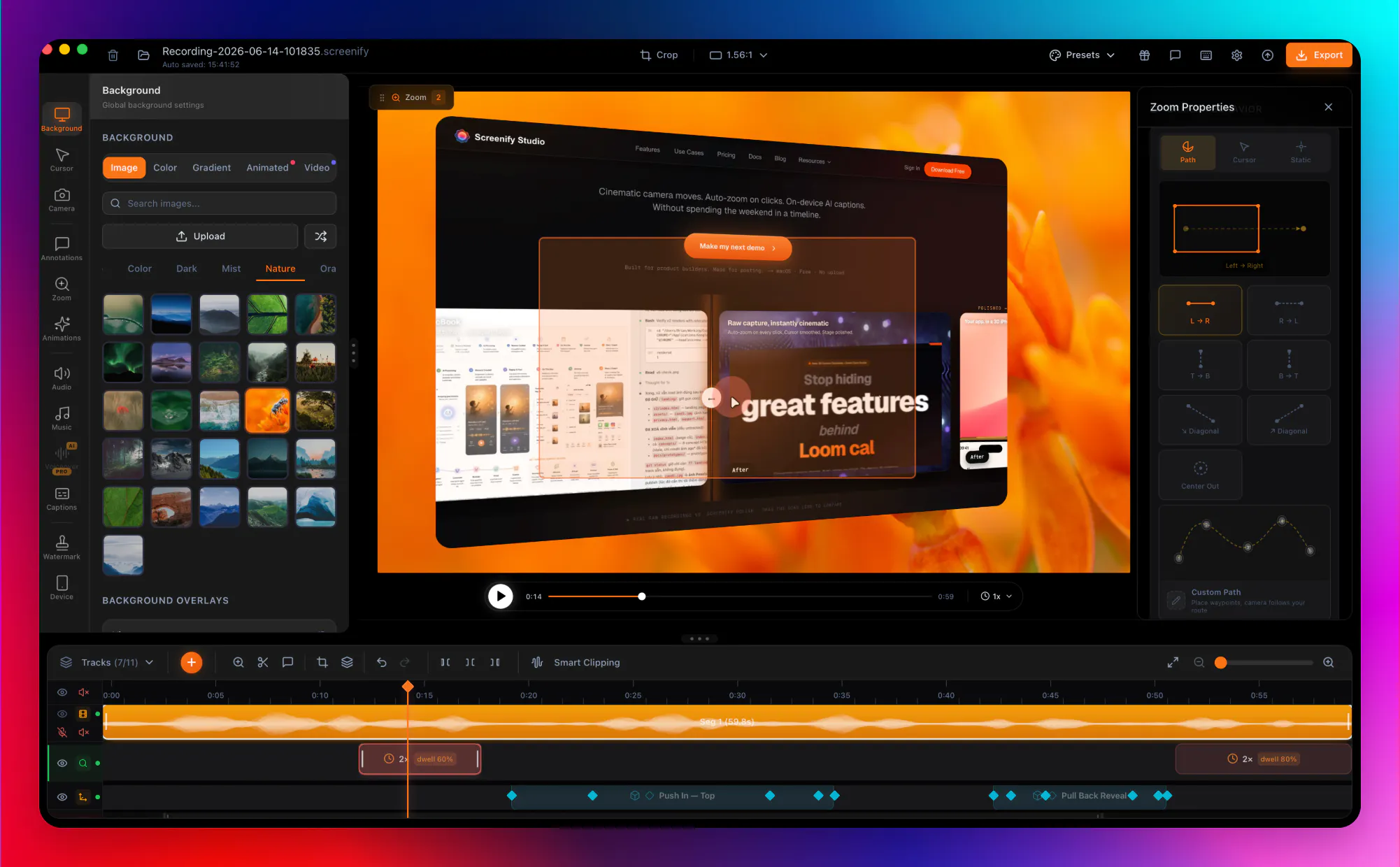
Screenify Studio is a Mac screen recorder that turns rough recordings into polished product demos — without the editing tax. Describe a demo in plain English and an AI drives a real browser to record it, then adds cinematic 3D camera moves, spotlights, and callouts. Prefer full control? A deep editor with manual zoom keyframes. Stage recordings in a photoreal 3D MacBook, iPhone, or iPad, add on-device AI captions, or drive it all from a CLI an agent like Claude Code can run. Free to start.


Hey Product Hunt 👋
I'm Brjan — solo founder shipping in public from Ho Chi Minh City 🇻🇳.
The honest reason I built Screenify Studio: my demos kept looking like shit. I'd spend weeks building features, then watch people barely notice them because my demo videos hid everything behind flat, static recordings.
So I built the tool I wanted. Record on your Mac, drop it into a photoreal 3D MacBook, iPhone, or iPad — or stage multiple devices together in one cinematic ecosystem shot — pick a cinematic camera motion, and ship a finished MP4. Or point it at any URL and let an AI drive a real browser to record the whole demo for you, then add the cinematic touches (3D moves, spotlights, callouts).
Prefer full control? There's a deep editor with manual zoom keyframes. Live in the terminal? Screenify now speaks MCP — connect it once and Claude, Claude Code, or Cursor can record, style, and hand you the finished video — plus a JSON-speaking CLI if you'd rather script it yourself.
Everything runs on-device on Apple Silicon — nothing uploaded. Free to start; you only upgrade when you genuinely need higher-quality exports and the more advanced features.
Would love your feedback — what do you use for product demos today? Happy to nerd out about the 3D pipeline, the MCP server, or the AI web-record under the hood.
This is great. We actually use Clueso right now for recording, but there's still a bit of editing involved. Plus, it's too expensive. I'll check it out!
@heyitsirenechan Thanks so much, Irene! 🙏 That "still a bit of editing involved" is the exact itch I built Screenify for — it auto-zooms, cleans up the cursor, and can even record the whole demo for you, so most of the manual editing just disappears. Since you're coming from Clueso, I'd love to just hand you a Pro code on me — DM me and it's yours, no strings, I only want your honest take (even the harsh bits). Around all day if you hit anything rough!
What kills demo videos for the Mac apps I work on is that every UI change makes last month's recording wrong, so anything that re-records from a script is worth real money to me. Your AI drives a real browser, but can it drive a native Mac app window too, or is that the manual editor path only?
@yelyzaveta_kibets Straight answer: browser only, for now.
"screenify web record" drives a real Chromium window through Playwright — either a
deterministic action script, or an agent loop that reads the page and decides one step
at a time. Re-running that same script after a UI change is exactly the case it was
built for, so for web apps you're describing the thing it does.
A native Mac app window can be recorded — ScreenCaptureKit, window-scoped, drivable
from the CLI — but nothing inside Screenify clicks through its UI. That's honest: no
native automation today.
The half that might still be worth money to you: only the driving is missing. If you
already have something moving the app — AppleScript, XCUITest, cliclick — the CLI can
record that window, and the zoom is synthesised from the real cursor and clicks, so you
still skip the hand-editing. You bring the driver, we take it from capture to export.
Native UI driving is the obvious next step. If you tell me which app and which flows go
stale most often, that's the kind of thing that decides what I build next.
@mrbrjan That is the most useful no I have had in a while, and the CLI half is the part I would actually use. One catch: AppleScript teleports the cursor instead of moving it, so does the synthesised zoom still track when there is no travel between clicks?
@yelyzaveta_kibets Region detection is safe — it never looks at travel. Smart Zoom keys off discrete events, clicks first, typing second. A teleport still lands, still clicks, so the regions come out the same.
The mechanism is the reassuring part: on macOS the click event carries no coordinates at all, so the position is taken from the nearest cursor sample in time, matched in both directions, sampled about every 10ms. A jump still produces a sample at the destination inside that window. The path between two points was never an input.
Your instinct about tracking is the right instinct, but it points at a mode you won't be in. Auto-zoom is static by default — it parks on the click point and holds, and follow-cursor is something you turn on deliberately. Even with it on, two things damp a jump rather than amplify it: the camera doesn't pan at all while the cursor sits inside the middle of the frame, and past a speed threshold it holds its current framing instead of chasing. A teleport is the fastest possible flick, so it lands in both of those, not outside them.
The one real artifact is cosmetic: the cursor sprite itself will jump, because that's genuine recorded motion, and I won't pretend it reads like hand-moved travel. The only correctness edge I'd guard is a teleport and a click firing inside the same ~10ms with nothing sampled at the destination yet — a 50ms beat between move and click removes that entirely, and cliclick can chain intermediate points if you'd rather have real travel in frame.
Worth trying on whichever flow goes stale most often — that's a smaller test than it sounds, since you already have the AppleScript half. If a zoom lands somewhere you didn't click, tell me and I'll chase it down.
solo founder shipping this in public is a nice touch, the honesty about "demos kept looking like shit" is relatable. question on the web-driving side - a lot of real product demos start behind a login wall, sometimes with 2FA. does the agent handle authenticating into the app itself, or do you need to get it past login manually and then hand off control once you're in the actual product?
@galdayan Both, split at the right seam: you do the login once by hand, and the agent never sees it.
screenify web login <url> --auth acme opens a browser and waits. You sign in however that site demands — password, 2FA, SSO, a captcha, whatever it throws — then press Enter. The session is saved into a named browser profile.
From then on screenify web record <url> --auth acme starts non-interactively, already inside. The agent picks up in the actual product, which is where you wanted it. It never touches your credentials, and there's nowhere to put them even if you wanted to.
The honest limit: sessions expire. When one does, you re-run web login — a few seconds, not a rebuild. Profiles are per name, so a staging account and a demo account are two names, not two setups.
Recording behind a login was the first thing I wired after basic capture worked, for exactly the reason you're pointing at: almost nothing interesting happens on the logged-out page.
@mrbrjan that's a clean split, thanks. one edge case on the "sessions expire, re-run login" part: does that still hold for accounts with a push-based 2FA (approve on your phone) instead of a code you type once? that one needs a human in the loop every single time the session resets, not just the first time, so "a few seconds" turns into "wait for someone to be near their phone." curious if you've hit that with any demo accounts.
@galdayan Honest answer: no, I haven't hit it — but my sample is small enough that I'd treat that as "not tested much" rather than "doesn't happen."
What I can tell you is mechanical rather than anecdotal. --auth isn't a saved cookie, it's a full persistent browser profile. So the "trust this device for 30 days" flag that push-2FA hands out after the first approval lives in that profile and survives. A session expiring and a 2FA challenge firing are two different events — the first is common and costs you a password, the second is the one that costs you a human, and device trust is what keeps them apart.
The case that genuinely breaks is a policy that re-challenges every session regardless of device trust. Nothing in a recording tool fixes that. It's an account problem — a dedicated demo account on TOTP instead of push, which is what I'd want anyway, since a demo account shouldn't be tied to one person's phone.
If you run it against something with push enforced and it does re-prompt, tell me. You're closer to that setup than I am, and I'd rather hear it from you than find out later.