Enter Space
All your cloud storage in a single app
66 followers
All your cloud storage in a single app
66 followers
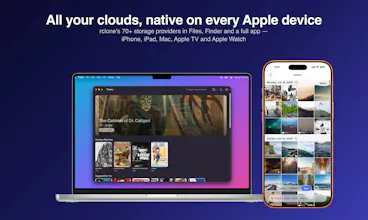
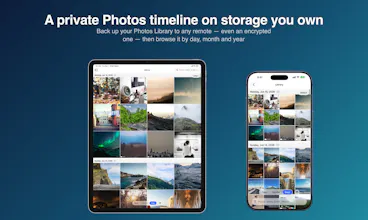
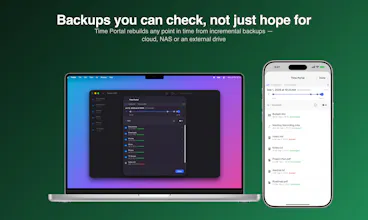
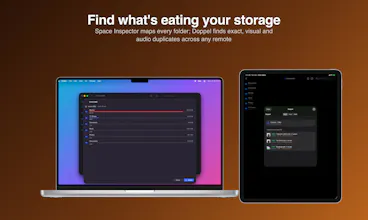
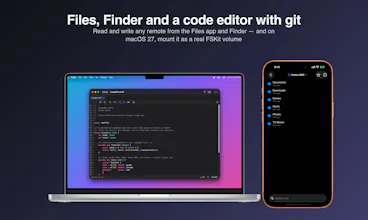
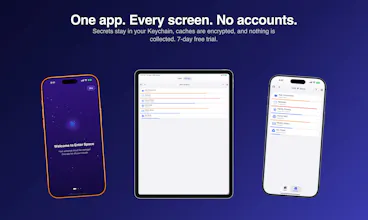
Connect to 62 different cloud storage accounts on your Apple device with seamless Finder and Files integration, encrypted backups, and automated sync.


Enter Space
Congrats on your launch! 🎉 qq: how does it handle sync in practice—does it support two-way sync, how does it deal with conflicts, and is there version history? Also, if I accidentally delete a file, is there a way to recover it (trash/restore/version rollback)?
Enter Space
@liup3424 It primarily supports one way sync operations. It can run as a copy which will only copy new files from the source to the destination configured for each scheduled sync task. It also support a more true one way sync that will sync deletions over to the destination too allowing you to keep both source and target in sync. There is an early form of two way sync but I haven't found that feature to be super reliable in practice so I decided to hold off on adding support for that to Enter Space. Each scheduled sync task maintains the logs for the sync run so you can check if there is any abnormalities. As for version history I want to implement incremental backups soon as I think that feature would be helpful for maintaining versions over time, however I do not have a timeline for that feature yet. To answer your question about if you accidentally delete a file and need to recover it, that totally depends on the cloud storage provider you're using. most of the popular ones like Google Drive, Dropbox, pCloud and similar will relocated deleted files to the respective trash bin available from the providers web app and you could retrieve the deleted files from there to recover. However other providers don't inherently offer that without other configuration or at all. Best course of action is to be intentional with deletions and don't ever just have one copy of your files, following a 3-2-1 Backup strategy. I even find using Enter Space to help facilitate my 3-2-1 backup strategy to be helpful.
@blaineam Thanks for the clear breakdown! One-way sync + logs and using it as part of a 3-2-1 backup strategy works for my needs. I’ll give it a try.
Enter Space
@jimmysmits it was just updated to be available globally :)
do I really need 5 cloud apps anymore? :)
Enter Space
@samet_sezer That's the dream, no not really anymore. ;)
Wow, this is an awesome orchestrator. Can you transfer files between these storages?
Enter Space
@pasha_tseluyko yes transfers between cloud storage accounts work just like copying files anywhere on your Apple device. Progress indicators are fully implemented to monitor the status of your transfers.
Hey Blaine @blaineam ,
Congrats on launching Enter Space! It looks like a really seamless way to manage cloud storage across multiple platforms. The file transfer functionality is a nice touch!
How's the response been so far? What kind of marketing strategies are you focusing on to get the word out? Would love to hear how you're planning to promote it!
Enter Space
@mfarhan1107 I'm primarily trying to leverage word of mouth and natural growth strategies. I don't need a huge overnight launch and prefer to allow a natural roll out. I use Enter Space myself daily and I'm hoping others find some utility in it too. I might try some light advertising in the future but right now I want to see how well just sharing it online works out. Overall the response so far has been positive.