
HtmlDrag
Edit HTML visually, refine with AI, turn files into webpages
137 followers
Edit HTML visually, refine with AI, turn files into webpages
137 followers
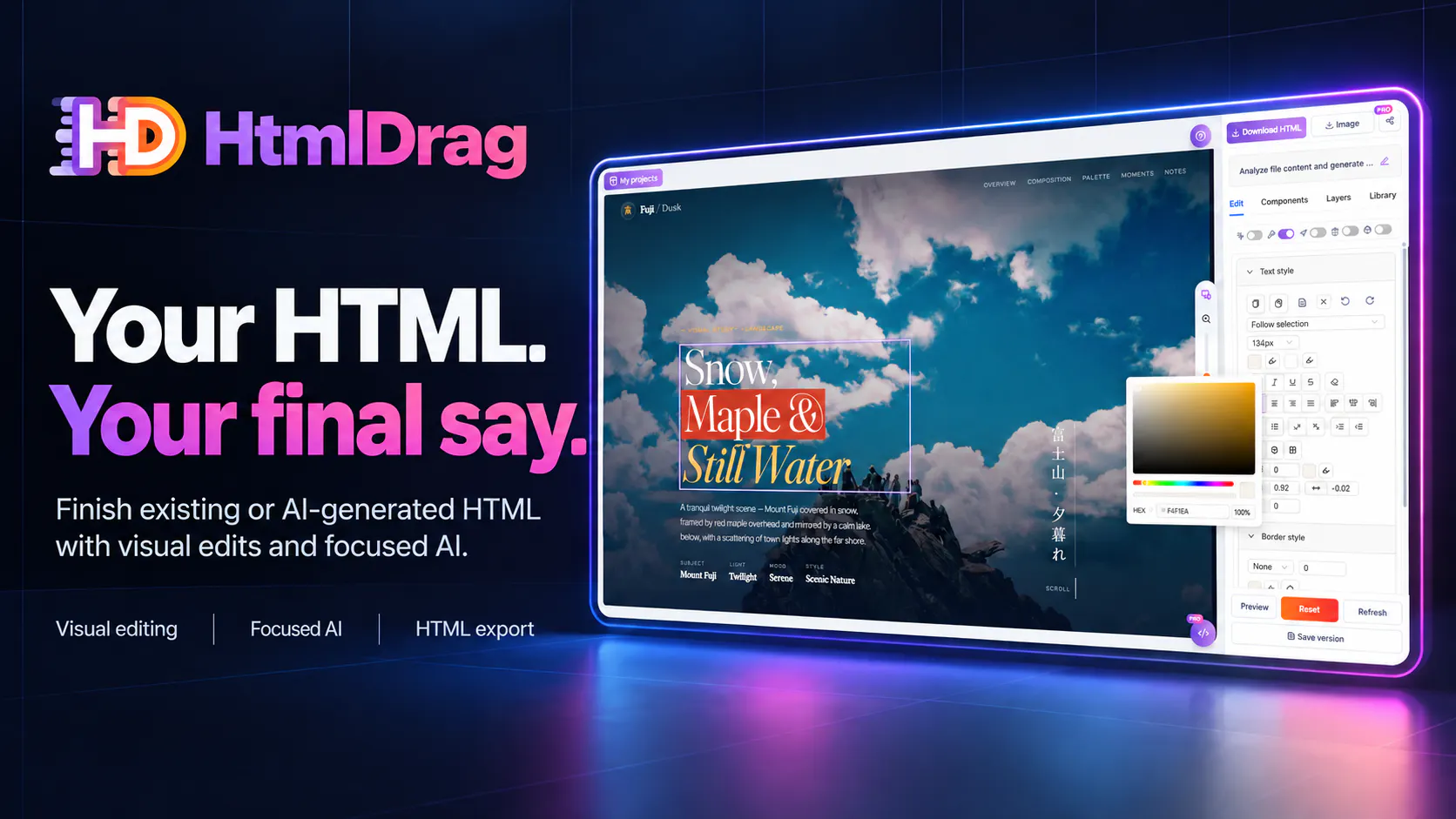
Edit existing and AI-generated HTML in one visual workspace. Upload HTML, paste code, or clone a public webpage. Precisely refine selected elements with AI while preserving the surrounding HTML structure, or edit text, images, tables and layouts directly. Turn documents, spreadsheets and slides into editable HTML. Export standalone HTML, download your designs as images for free, or share a preview link.
This is the 2nd launch from HtmlDrag. View more

HtmlDrag
Launching today
Edit existing and AI-generated HTML in one visual workspace. Upload HTML, paste code, or clone a public webpage. Precisely refine selected elements with AI while preserving the surrounding HTML structure, or edit text, images, tables and layouts directly. Turn documents, spreadsheets and slides into editable HTML. Export standalone HTML, download your designs as images for free, or share a preview link.


Free Options
Launch Team / Built With


EneyProactive AI for Mac. Free test, 20,000 credits.
Promoted


Hi Product Hunt, I’m Bowen, the solo maker behind HtmlDrag. This is our second launch.
One thing that kept bothering me when editing HTML with AI was how much explaining a small change could take. I could see exactly what I wanted to change, but still had to describe where it was and which parts of the page I wanted to keep. Sometimes AI would make a much bigger change and undo work I was already happy with.
I wanted a simpler way to make that distinction clear. HtmlDrag could already recognize individual elements and let me edit them visually, so I started thinking: why am I describing the location in a prompt when I could just click it?
That became the idea behind AI refinement: select the part of the page you want to change, then tell AI what to do with it.
While I was planning this, someone asked for a way to lock the HTML they wanted to keep and let AI edit only a specific part. I told them it was already on my roadmap. Hearing that request made me more confident about the direction, and I put a lot of time into making it work: targeted edits to selected elements while preserving the surrounding HTML structure.
Working on this also made me look more critically at how people get into HtmlDrag in the first place. I was trying to make editing simpler, but the old homepage put three clicks between someone arriving and reaching the editor.
I’d been unhappy with that layout for a while. Over the past two months, I finally understood why: I’d put more effort into showing what HtmlDrag could do than helping people actually do it.
I tried several versions before settling on the new homepage. Now you can upload HTML right there and go straight into editing. It’s a design I’m finally happy with, and I’m curious whether it feels as straightforward to you as it does to me.
This release also lets you turn documents, spreadsheets, and slides into editable HTML. You can edit visually, export standalone HTML, share a preview link, or download your designs as images for free.
If you’ve had the same experience with AI edits, I’d love for you to try selecting the element instead. Does it make the change easier to get right? And if the homepage still makes you stop and figure out what to do next, I’d like to hear about that too.
https://htmldrag.com
Thanks for taking a look.