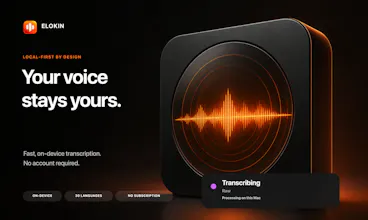
Elokin turns your voice into ready-to-use text directly on your Mac. Use local speech recognition, writing profiles, custom vocabulary, and optional AI providers—with no account or subscription.
Hey Product Hunt 👋
I built Elokin because I was spending too much time typing long prompts for coding assistants and too many AI tokens on work my Mac could handle locally.
The workflow is deliberately simple: hold a shortcut, speak, release, then paste the result wherever you are working.
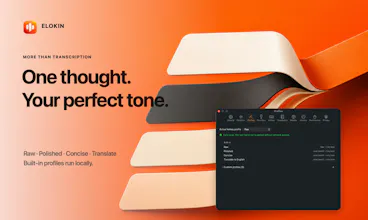
Speech recognition runs on the Mac. The built-in Raw, Polished, Concise, and Translate profiles can also run locally, without an Elokin account or subscription. For workflows that genuinely benefit from a larger model, you can create an optional custom profile using OpenAI, Anthropic, or an OpenAI-compatible provider.
I also added custom vocabulary because developer tools, frameworks, product names, and people’s names are exactly the words that general speech recognition tends to misunderstand. Vocabulary can be organized by category or imported from a text file.
Elokin started as a tool for my own daily work. I am now releasing it as a native Mac app and would genuinely value feedback on the workflow, the local-first approach, and what profiles you would find useful.
What do you currently use voice dictation for—and what usually stops you from using it more often?