

Introducing Split: Not every file needs encryption. Some files just need to survive.
We just shipped a major YourKeep update for iOS.
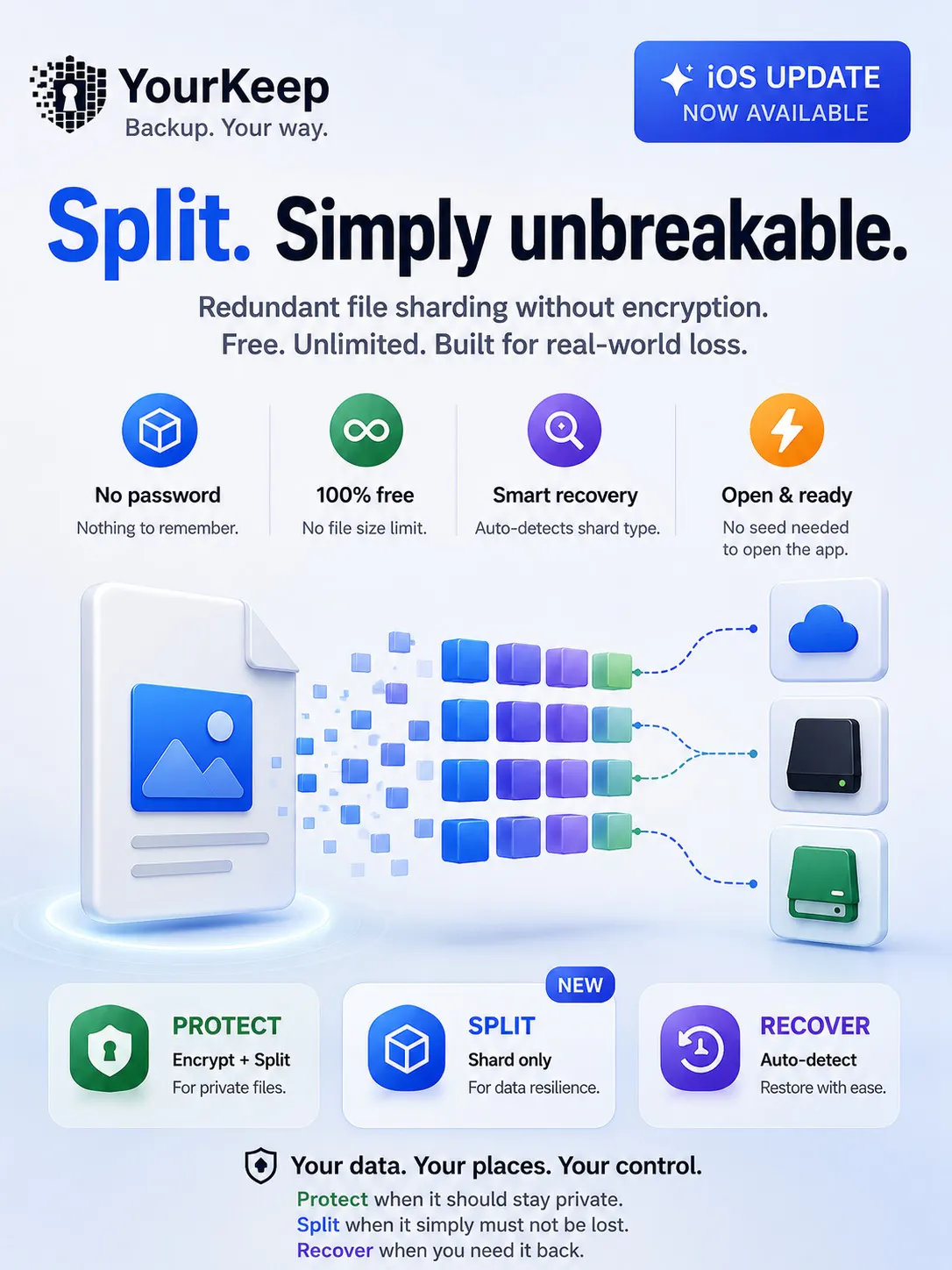
The biggest addition is Split — redundant file sharding without encryption.
Sometimes a file doesn't need to be secret. You simply don't want to lose it because one drive fails, one cloud account disappears, or one copy gets corrupted.
Split uses Reed–Solomon erasure coding to create redundant shards that you can store across different drives, clouds, devices, or physical locations.
No password. No seed phrase. No account. No server.
And Split is completely free, with no file size limit.
We also simplified YourKeep into three clear modes:
🔒 Protect — Encrypt + split private files
🧩 Split — Shard files for data resilience
↩️ Recover — Automatically recognize and restore either format
The app no longer requires you to create or unlock a seed phrase when you open it, either. A seed phrase is only needed when you actually choose to encrypt something with Protect.
Protect what should stay private.
Split what must not be lost.
Recover when you need it back.
Would love to hear how you'd use Split.
Replies