

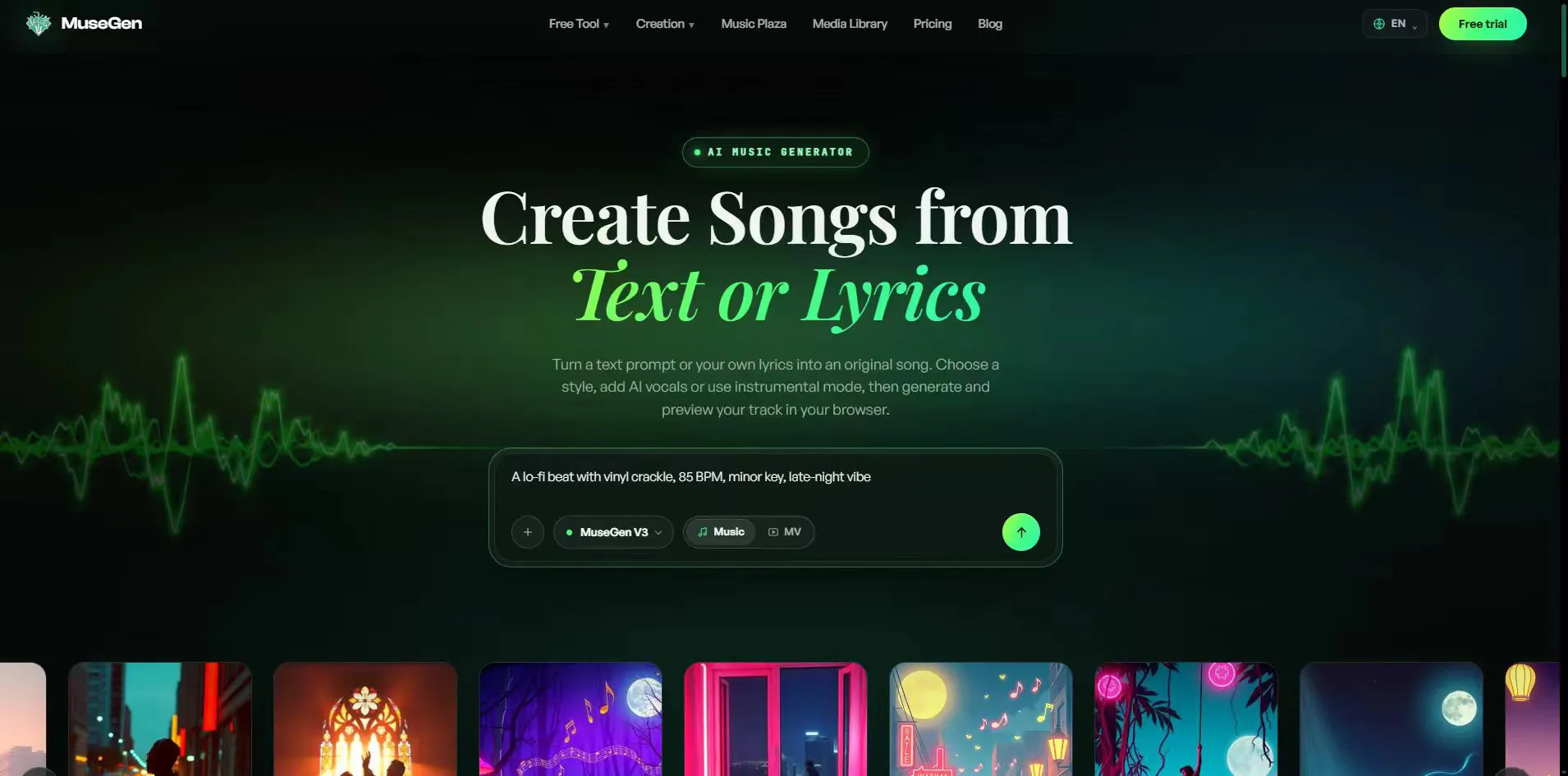
Hi everyone 👋 I built MuseGen — turning a text prompt into a finished, royalty-free song
Hey everyone, first post here — excited to finally introduce myself and what I've been working on.
I kept running into the same problem: making original music for videos, games, and podcasts meant either licensing tracks or learning a DAW. Neither felt right for someone who just wanted a soundtrack that fit. So I built MuseGen — you type an idea (or paste lyrics) and get a real, editable song back, right in the browser, no music background needed.
A few things I intentionally focused on, and why:
Text/lyrics → full song (AI vocals or instrumental) — the fast path for non-musicians
Real editing, not just re-rolls — trim sections, regenerate a part, or in-paint a single track (drums/bass/vocals). A demo that sounds cool in 10 seconds often falls apart in a real timeline, so editing mattered more than raw generation.
Stems export (WAV/48k + MIDI) — so it fits into an actual workflow, not just a one-off download
100% royalty-free for commercial use on paid plans
The hardest design question was control vs. simplicity: beginners want one click, creators want BPM, song structure, and per-track control. I tried to keep both without dumbing either down.
I'd genuinely love this community's take: for AI-generated music, what makes a track feel "usable" to you vs. just a demo? And does stems/MIDI export matter for your workflow, or is MP3 enough?
🔗 musegen.ai — happy to answer anything about how it works under the hood.
Thanks for having me here!
Replies