

Building a feature-rich Mac app is one thing. Keeping it lightweight is another.
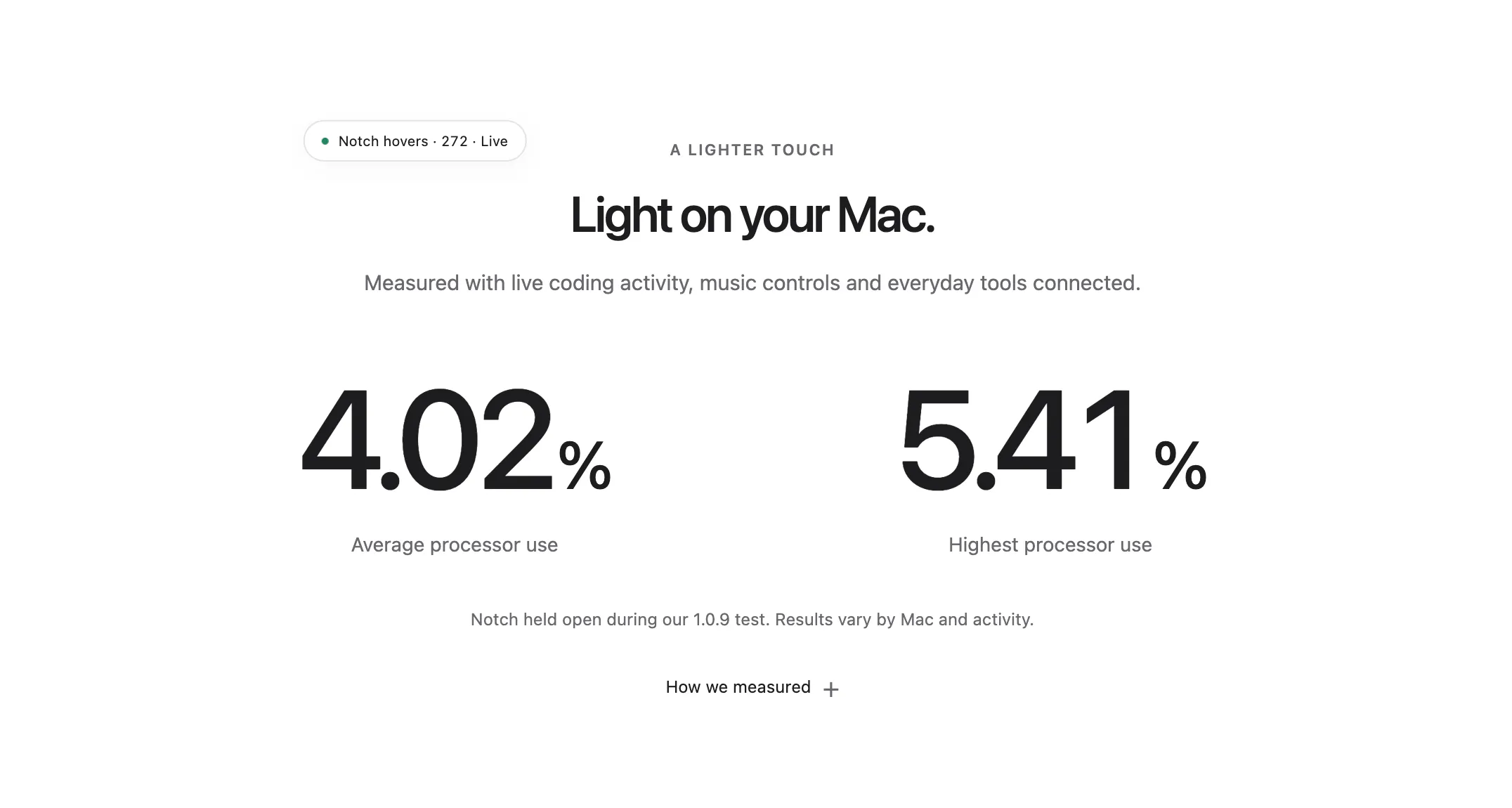
One thing we've been focusing on while building Dots is performance.
Dots turns your Mac's notch into a customizable workspace, where you can access apps, websites, shortcuts, and even developer tools.
But here's something we've been thinking about: what's the point of building a productivity app if it ends up slowing down your Mac?
That's why we chose to build Dots natively for macOS. We wanted it to feel like a natural extension of the system rather than another app competing for your attention and resources.
As we continue adding features like drag & drop, file conversions, and developer integrations, we're also working on keeping everything responsive and efficient.
And honestly, that's one of the more interesting challenges of building Dots. It's not just about how many features we can ship, but how well they work together without getting in your way.
We're still in beta, so there's plenty of room for improvement.
For other makers building desktop apps, how do you balance adding new features with keeping your app lightweight?
Would love to hear your experiences!
Replies
It's free: https://dotsapp.cloudaeri.com