


What's great
I mean this wholeheartedly. Monologue is the app that I would honestly be sad if it went away. It is the one app I would take with me on a deserted island out of all the ones on my computer because it overlays over everything else that I'm doing on my computer. It has saved me so much time, so much effort; talking is way faster than typing, and I cannot picture my daily life without it. If you work at a computer, if you are a creator or a builder or do anything on a Mac or a PC, you really need this. It becomes a thought partner because you're constantly saying your thoughts out loud. It's helping me articulate the things that I need to communicate so much easier, and it's just been a lifesaver.
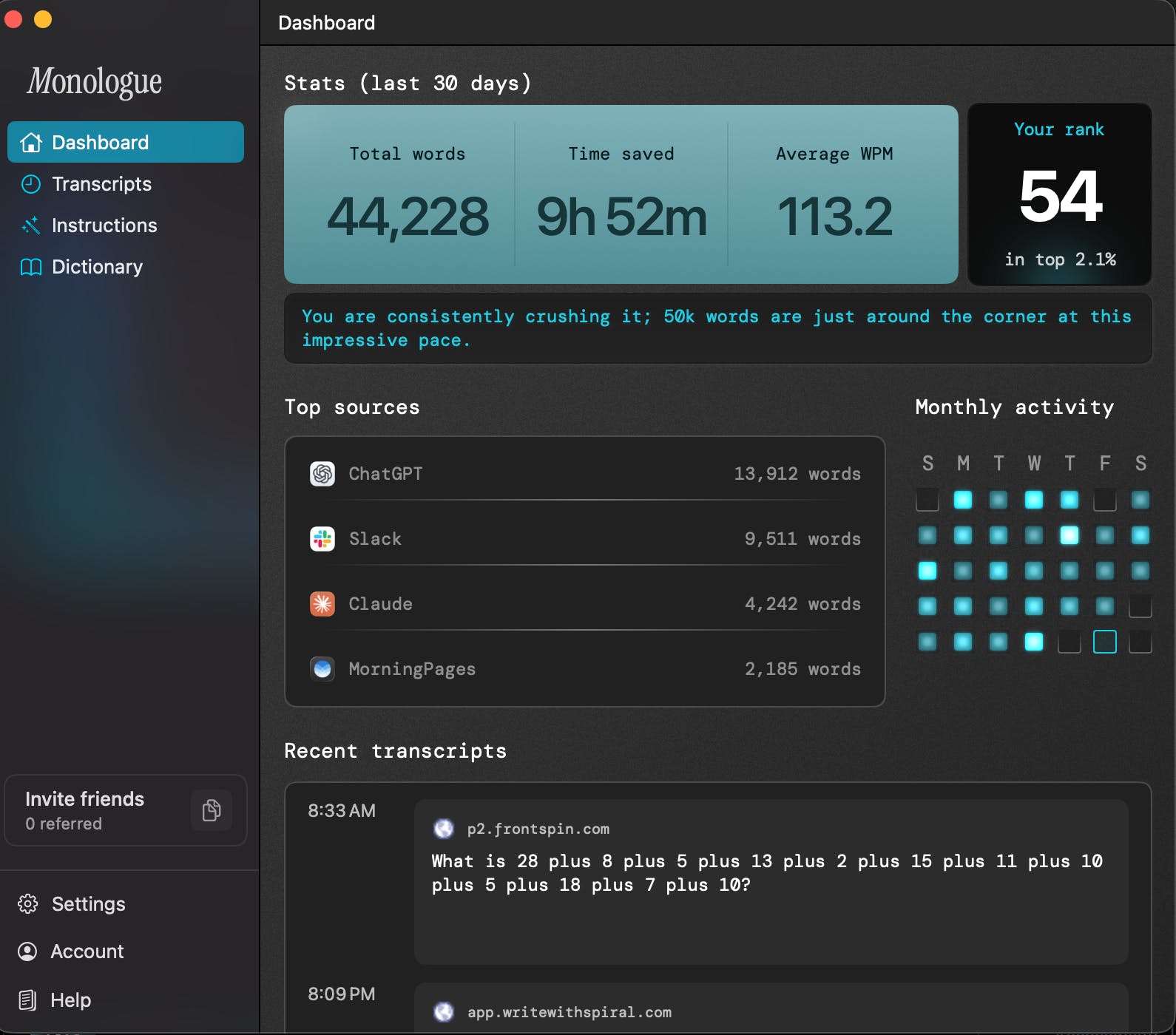
What needs improvement
I really don't know what could be improved about this product. It's so clean, it's so smooth, the branding, the feel of using it, everything feels so good with Monologue. I think they are probably working on a mobile app, which I think having this on mobile would be an absolute game changer for me too, because when I want to use Monologue currently, I have to do it from a computer. But other than that, I'm just excited to see where they take this in the next few months.
vs Alternatives
 Dictation
 Wispr Flow
 Claude for Desktop
I wasn't looking for a better way to dictate my thoughts or articulate what I do throughout the day. I actually came across Monologue because I'm an Every subscriber, and this is one of their products and incubators. I'm a big fan of their knowledge, expertise, and the way they approach AI and AI products, so I thought I would give it a shot to see what it was about.
I hadn't been actively searching for a dictation tool. I had heard of Wispr Flow, Claude for Desktop's dictation, ChatGPT's dictation, and other apps, but I didn't realize I had a problem until I used Monologue. One of my favorite things about Monologue is that it gamifies the experience: you can see your rank, whether you're in the top 2 %, 5 %, or 10 % of users, how many words you've spoken, how much time you've saved, and how fast you speak. Those stats make me realize how much time I save by speaking instead of typing, and now I feel I couldn't live without it. Monologue illuminated this problem for me as a new dictation user.