
YouTube Wheel Master
Control YouTube with your mouse wheel.
4 followers
Control YouTube with your mouse wheel.
4 followers
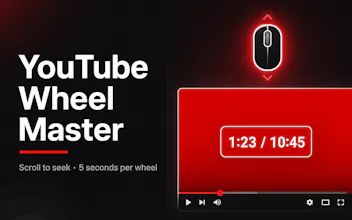
YouTube Wheel Master makes YouTube easier to control with intuitive mouse wheel gestures. Scroll to seek through videos, use Ctrl + Wheel to adjust volume, and Alt + Wheel to change playback speed. It works on both YouTube videos and Shorts, and also adds chapter navigation and handy keyboard shortcuts. Stay focused on the video instead of hunting for controls, making learning, watching, and bingeing faster and smoother.

Free
Launch Team / Built With


ClarifyThe Full-Stack AI CRM that replaces 5 tools
Promoted
The obvious UX question with remapping scroll to seek: how does it tell "I want to scroll past the video to read the description or comments" from "I want to seek"? If scrolling anywhere over the player always seeks, that's the thing that gets people uninstalling it the first time they just wanted to scroll down the page.
@raffay_sajjad Good point. The biggest challenge is not the gesture itself, but detecting user intent. If normal scrolling gets interpreted as seeking, it will quickly become frustrating. The feature needs a clear interaction boundary.
@new_user___1352025869d442317ce38ee One boundary that usually works for these remaps: only intercept the wheel when the cursor is directly over the timeline/progress bar itself, not the whole player, so hovering over the video still scrolls the page normally. Is that the direction you're thinking, or something based on modifier keys instead?