
WhatsApp Message Designer Pro
Create Beautiful WhatsApp Messages in Seconds
14 followers
Create Beautiful WhatsApp Messages in Seconds
14 followers
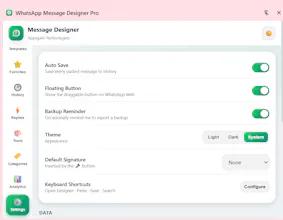
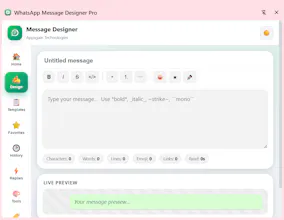
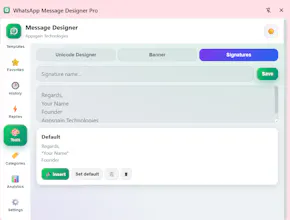
Create Professional WhatsApp Messages Faster WhatsApp Message Designer Pro is a Chrome Extension that helps businesses, freelancers, customer support teams, sales professionals, and creators write professional WhatsApp messages in seconds. Instead of typing the same messages repeatedly, create reusable templates, personalize them with variables, preview formatting, and paste directly into WhatsApp Web with one click. Everything works locally inside your browser.


Free
Launch Team

Framer AI AgentsDesign and publish professional sites with AI
Promoted
Curious how the variable personalization works in practice, do the variables pull from anything I already have like a spreadsheet or is it more manual entry each time?
@aleynanfyx Thanks for asking! Currently, variables are filled manually before pasting the message—they don't automatically pull data from spreadsheets or external sources, which keeps everything private and fully offline.
Templates with variables save me so much time when sending client updates, and the one-click paste into WhatsApp Web actually works smoothly.
@urgenzeki80043 Thank you so much! 😊 We're thrilled to hear that the templates and one-click paste are saving you time. Your feedback means a lot and motivates us to keep improving! 🚀