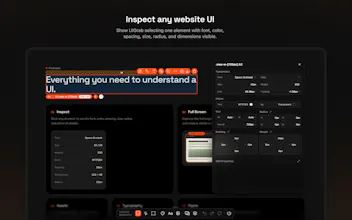
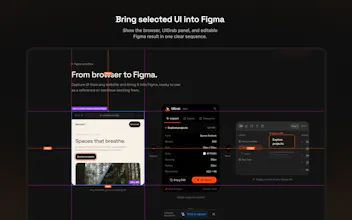
Inspect any website, capture UI, find fonts and assets, preview responsive layouts, and bring what you need into Figma with UIGrab for Chrome.UIGrab helps designers and developers understand the UI on any website. Click an element to inspect its typography, colors, spacing, size, radius, and other details. Capture full pages, find assets, test responsive layouts, copy CSS, and bring selected UI into Figma.
Hi Product Hunt,
I am Usama, a product designer, and I built UIGrab because my own reference workflow felt more complicated than it needed to be.
Whenever I found a well-designed website, a screenshot was rarely enough. I still had to inspect the page, check fonts and spacing, look for assets, resize the browser to study responsive behavior, and then rebuild the useful parts in Figma.
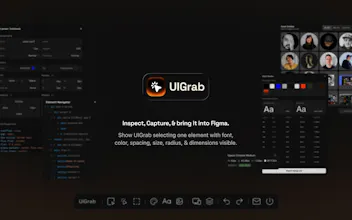
UIGrab brings those steps together in one Chrome extension.
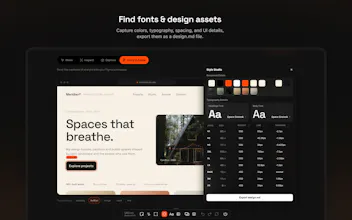
You can click any element to inspect its font, weight, size, line height, color, spacing, dimensions, and radius. You can also capture a full page, find the images and SVGs already used on it, test desktop, tablet, and mobile layouts, copy CSS, and bring selected UI into Figma.
I tried to keep the product focused and practical. It is not meant to replace design thinking or turn someone else's work into your own. It is a tool for studying interfaces, collecting references, and moving from inspiration to actual design work with less friction.
UIGrab is in public beta, so feedback matters a lot right now. I would especially love to know:
1. Which part of your current reference workflow takes the most time?
2. What would make the browser-to-Figma flow more useful for you?
3. Is anything confusing during the first few minutes?
Thanks for taking a look.
Usama