
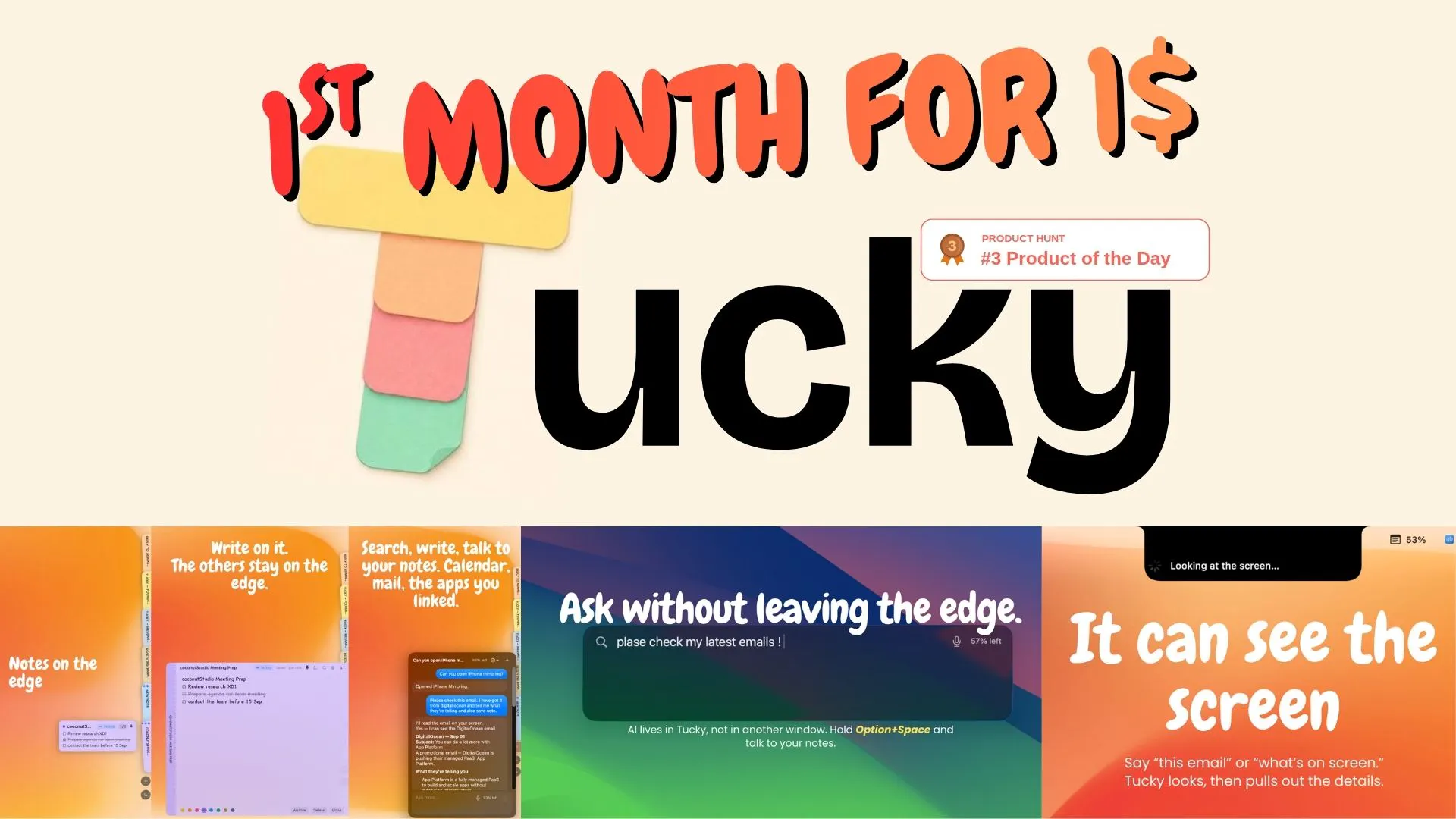
Tucky is a native macOS notes app that rests as a thin stripe along the screen edge. It is local and encrypted. Start for free with $0/month for voice, connectors, and the best LLM models.


Free Options
Launch Team / Built With


Render: Get up to $100K in startup creditsThe fastest way to launch and scale your startup in the cloud
Promoted



Between managing different projects and jumping from task to task, my notes used to be a complete mess. I’ve been using Tucky regularly, and being able to capture a passing thought without breaking focus is a game changer. It really is the quiet assistant every fast-paced workflow needs.
Docking notes to the screen edge instead of another window is the right call, most note apps lose to the "just one more tab" problem. Since it's local and encrypted but Plus taps "the best LLM models," where does that boundary sit - does the agent call out to a cloud model only when you explicitly ask it something, or does it also read your notes in the background to suggest actions?
@galdayan
Great questions, Gal. Tucky only looks at your notes when you ask about them. Ask us something general, and we won't touch a single note. But when you ask about your notes, we read them, and that's the best part: we understand exactly what you're talking about, with full context.
The thin stripe idea is clever. Every notes app fights for your attention, this one deliberately hides until you need it. That restraint is harder to design than it looks. Congrats on the launch!
@elene_tandashvili Thanks for your comment
Docking notes as a thin stripe on the screen edge is such a clever way to keep ideas one glance away without the context switch of opening yet another app.
@ilko_kacharov Exactly, thanks for your comment.