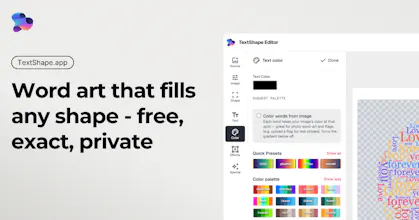
Turn your words into art that fills any shape - a heart, an animal, a logo or your own uploaded photo. TextShape places every word precisely to trace the silhouette, and because it's deterministic (not AI), you stay in control: same input, same result. It runs entirely in your browser, so nothing's uploaded. Free, no signup, no watermarks. Gradients, palettes, word-cloud packing, custom fonts. Export PNG, vector SVG with a Cricut/Silhouette cut mode, or an animated reveal - then put it on merch.
I make merch and kept hitting the same wall - I'd have a specific shape in mind and a specific piece of text I wanted *inside* it, but every app I tried either couldn't do that exact thing or did it badly: ugly fonts, no real control, no way to style certain words differently.
After wishing the tool existed enough times, I just built it. The first design I made with it ended up selling really well, which was the nudge I needed to clean it up and share.
What it does:
• Upload any PNG, type your text, pick a font
• Multiple flow patterns: horizontal, spiral, zigzag, follow the shape's edge
• Word-frequency scaling (like a word cloud)
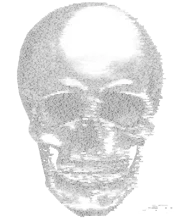
• Brightness-aware text that adds depth to portraits and photos
• Per-word styling (font, size, color, rotation) for the words you want to pop
• Runs in the browser, exports high-res
If you've used text-shape or word-cloud tools before, what's the one thing they were always missing for you?
Report
No reviews yetBe the first to leave a review for TextShape