
SnapPDF -Turn screenshots into documents
Turn screenshots into clean, searchable PDFs instantly
1 follower
Turn screenshots into clean, searchable PDFs instantly
1 follower
SnapPDF reads text from your screenshots, corrects what built-in OCR gets wrong, and exports editable, searchable PDFs — all on-device. No accounts, no uploads, no waiting.

Hey Product Hunt! 👋
I built SnapPDF because I was tired of taking screenshots of notes and documents, only to end up with images I couldn't search, select, or properly share.
What SnapPDF does:
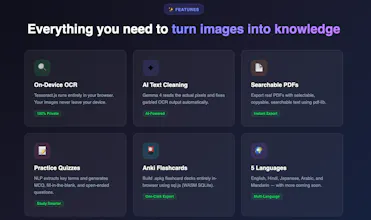
- Reads your screenshots with on-device OCR (images never leave your device)
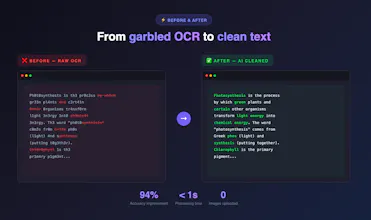
- Cleans up garbled text — AI reads the actual pixels and restores what was written
- Exports real searchable PDFs — text you can select, copy, and search
- Practice quizzes — turns your notes into flashcards you can export to Anki
- Multi-language — English, Hindi, Japanese, Arabic, Mandarin
What makes it different:
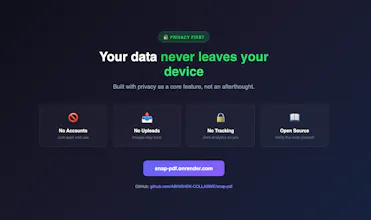
- 100% offline for core features (OCR, PDF export, summary)
- No accounts, no signups, no data collection
- Open source — every line of code is on GitHub
- Works on Android, macOS, and web
Would love your feedback — especially on the flashcard export. What would you use this for?
🔗 Live: https://snap-pdf.onrender.com