
Shrinkly
Compress images to the exact size you need
3 followers
Compress images to the exact size you need
3 followers
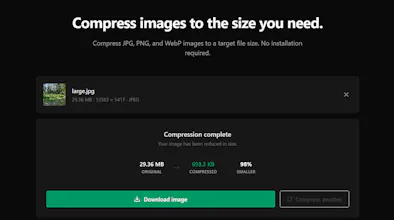
Most image compressors focus on making a file smaller. Shrinkly lets you start with the size you actually need. Upload a JPG, PNG, or WebP, choose a target like 20KB, 50KB, 100KB, or 500KB, and Shrinkly finds a suitable compression level for you. No account, no installation, and no server-side data storage just compress and download.


Free
Launch Team

Customer.ioAutomate Messaging Everywhere — Startups Get 12 Months Free
Promoted
I built Shrinkly because I was tired of online image compressors that are cluttered with ads, force you to upload private photos to unknown servers, or only give you vague "quality %" sliders instead of letting you target an exact file size.
Whether you're uploading ID documents for government portals, fitting strict job application limits, or optimizing images for the web, getting an image under a specific size (like 100KB, 50KB, or 20KB) shouldn't be a struggle. Also this is free to use with no limits. More features are yet to come.