
ShotFlip for Windows
One-click PNG/JPG screenshot switcher.
0 followers
One-click PNG/JPG screenshot switcher.
0 followers
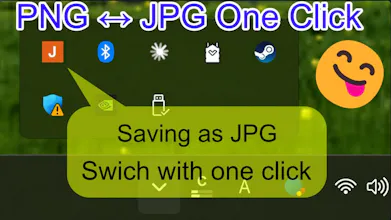
ShotFlip for Windows is a lightweight tray app that lets you switch Windows screenshots between PNG and JPG with one click. By default, Windows saves Win + PrintScreen screenshots as PNG files. ShotFlip makes it easy to switch to JPG mode when you want smaller files for blogs, websites, support tickets, documentation, or quick sharing. No manual conversion. No image editor. No repeated export steps. Just choose PNG or JPG from the tray icon and take your screenshot.


Payment Required
Launch Team

Viktor.comAn AI coworker that actually does the work
Promoted
