
Resors
Design System for Xcode
2 followers
Design System for Xcode
2 followers
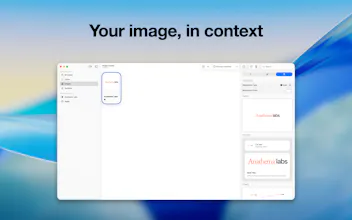
Resors turns Xcode asset management into a visual workflow. Create, import, group, and export color assets, with two-way sync to your Xcode project.



Free Options
Launch Team

AWS Activate CreditsCredits that fuel your startup’s next milestone
Promoted
👋 Hey everyone, I'm Andriy, the person behind Resors.
This project is the result of a problem I've seen at nearly every company I've worked for. A design system is great, and whether it lives in Figma, Xcode or Excel (yes, that did happen), there comes a day when Primary Blue
needs to be updated, or expanded with dark mode support. That is usually the moment things break.
For me it broke in Xcode. Every app I ship has its own asset catalog, so the same colors, symbols and images get copy pasted between projects until they quietly drift apart. Xcode shows you one catalog at a time, at thumbnail size, inside the project that owns it, so you never really see your design system. You see fragments of it.
Resors puts all of it in one place. Colors, images and SF Symbols from every project in one grid, with groups you can reuse as the starting point for whatever you build next. Groups also unlock a powerful sync feature, that can import, export and merge a group with an Xcode catalog, making sure that all your changes whether in Xcode or Resors stay in sync.
The part I'm most proud of is symbol editing. A custom SF Symbol carries margins and a scale that decide how it sits beside text, and changing those has always meant a trip back to a vector editor and another export. In Resors you drag the guides, or type the exact number, and watch the symbol sit in real type while you do it.
There is still lots to come, in the next version you can expect features batch import you can throw anything at, where
each file becomes the right kind of asset on its own, and an SVG that is not already an SF Symbol template gets turned into one on the way in. Figma import is on the list, so is team collaboration, and plenty more after that.