
Reelframe
Convert videos to frames and back — 100% in your browser
4 followers
Convert videos to frames and back — 100% in your browser
4 followers
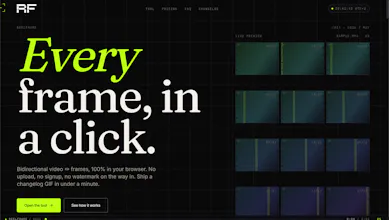
Drop a video, get every frame. Drop frames, get a video. 100% in your browser — no upload, no signup, no watermark on the way in.

This is one of those small tools that solves a very annoying problem.
What use case pushed you to build both directions — extracting frames, or stitching frames back together?
@dmitrii_volosatov Thanks Dmitrii! Honestly, the extract direction came first — I kept needing clean stills from screen recordings for blog posts and thumbnails, and every "online video
to image" tool either watermarked the output, capped the resolution, or uploaded my footage to a server I didn't trust.
The stitch direction came once I started using it. I'd export frames, retouch a few in Photoshop (fix a typo in a UI screenshot, blur a face, swap a logo), and then
realized I had no quick way to put them back into a clean MP4/GIF without firing up a full editor. So I added the reverse path. Same constraint: everything stays in
the browser, no upload.
Turns out a lot of people in the same loop — designers reviewing animations frame-by-frame, devs grabbing reference for CSS animations, folks making GIFs from short
clips. The bidirectional nature was less of a "feature" and more of a "of course it should do both.