
PromptVault
Ship prompt changes without touching your codebase
16 followers
Ship prompt changes without touching your codebase
16 followers
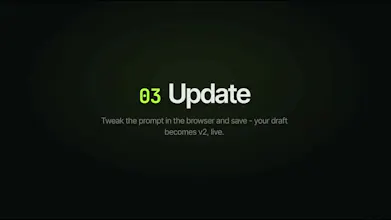
If you're building an LLM app, your prompts are constantly changing - and every change shouldn't require a PR, CI run, and a full redeploy. PromptVault is a prompt management tool for AI builders. Edit prompts live in production, version every change, and roll back in one click. Connect Once → Draft → Live - without touching your codebase. Built for indie developers, AI founders, and product teams shipping LLM features.


Free Options
Launch Team / Built With


Viktor.comAn AI coworker that actually does the work
Promoted
This hits a real pain — I've definitely opened a PR just to tweak the wording of a system prompt 😅
The flip side I keep thinking about: the whole pitch is "edit live without a redeploy," but that also means a bad prompt edit can hit production instantly with no CI in between. How do you guard against that? Is there any staging/preview step, or a way to run a prompt change against a set of test cases before it goes Live?
Rollback in one click helps, but I'd want to catch the regression before users do. Congrats on the launch 🚀
@ethanbrooks_capdrop Hi Ethan, thank you for the question and congratulations!
Technical Co-Founder here :)
Yes, for teams that need it - you can set specific version you need to "staging" and update it to "live" when you are ready!
Regarding test cases - prompt regression testing is on our roadmap
How do you handle secrets and variables inside prompts, like API keys or user specific fields, without exposing them in the UI?
@karimbenkeroum Hi Karim, thank you for the question!
Technical Co-Founder here :)
Variables in prompts are lexical placeholders, resolved at runtime, not stored.
The consequence for your question: a user-specific field or API key is never stored in the prompt.
The app stores 'Hello {{api_key}}', and whoever calls the SDK injects the real value at request time. The secret lives in the consumer's environment, not in PromptVault.
To sum it up, regarding "how do you avoid exposing it in the UI" - the value never enters the system. The editor does show the token literally ({{api_key}}), but that's just the placeholder name, not a value.