
One Hand Control
Custom edge gestures for faster one-handed Android use
3 followers
Custom edge gestures for faster one-handed Android use
3 followers
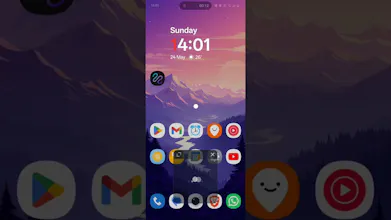
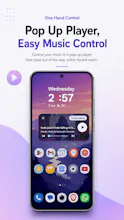
Turn your phone’s edges into customizable shortcuts. One Hand Control lets you swipe, tap, pull, or hold from the side or bottom of the screen to launch apps, open Quick Tools, control media, adjust brightness or volume, run macros, and navigate faster. It’s useful for one-handed use, but also for anyone who wants Android to feel quicker, more personal, and less repetitive.




Free Options
Launch Team

Render: Get up to $100K in startup creditsCloud infrastructure for founders who want to move fast and NOT break things
Promoted
