NotebookLM Quick - Chrome Extension

NotebookLM Quick - Chrome Extension

Get your premium paywall contents to NotebookLM with 1-Click

6 followers

NotebookLM can’t access your non-public content — now you can bring it in securely with 1-Click. What: AI chats, subscriptions, newsletters, logins, and purchased PDFs. How: Add as links, PDFs, or text. Manage: Fix bad links or duplicate sources.
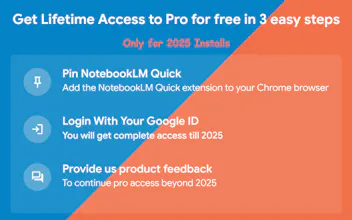
NotebookLM Quick - Chrome Extension gallery image
Free
Launch Team
Framer
Framer
Launch websites with enterprise needs at startup speeds.
Promoted

What do you think? …

Prabhash Verma
A few weeks ago, I was researching Stablecoins. I started with ChatGPT and Perplexity for primers, then turned to The Wall Street Journal for deeper context. I wanted to bring all these sources into NotebookLM — but realized it couldn’t reach much of what mattered most, since those articles were behind paywalls. I didn’t want to copy, paste, or download manually every time. I wanted to bring together all my sources — subscriptions, AI chats, and YouTube videos — and have full control over how I added them: as PDFs, text, or links. Existing Chrome extensions didn’t meet those needs, so I decided to build this. I’d love for you to try it and share your feedback on how it can be improved further.