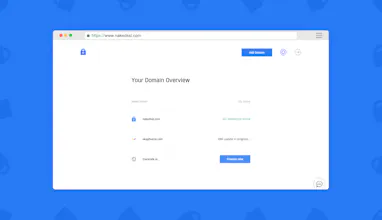
Most of the existing PaaS out there let you use your custom domain with SSL, but lots of DNS and domain providers still do not allow CNAME or ALIAS records on the naked domain, which makes it hard –or impossible– to install an SSL certificate and redirect all the traffic on your naked domain without having a custom IP. NakedSSL came to fix that.
@etc Hi E.T.Cook! Thank you :) It's actually pretty different: CloudFlare offers full DNS management (among other services), so they actually resolve your domain names. CloudFlare lets you add ALIAS/CNAME records pointing to hostnames directly on the naked domain –also with SSL–. If you use CloudFlare (or any other modern DNS service), then NakedSSL is useless as you can solve the problem at DNS level. Unfortunately, not always you can choose the DNS manager service for your domains –especially if you work with customers–, and lots of the DNS management services still do not let you add ALIAS/CNAME pointing to hostnames on naked domains, and if they do, they don't support SSL through it. This is a problem if you use PaaS like Heroku or Now.sh, as you would be able to resolve https://www.mydomain.com, but trying to access https://mydomain.com would give you an error. NakedSSL solves exactly that problem in a pretty simple: it gives you a static IP that you can point your naked domain to, and the system takes care of setting up an SSL certificate (through LetsEncrypt) and the redirection for it.
@kehers Hi Opeyemi! Really good point, thank you! Although this is a very first version that we built in barely 4 weeks focusing just in the basics, that's one thing we still need to add for sure :).



NakedSSL
NakedSSL
Mailintel
NakedSSL