Moonlight

Moonlight

Paper Reading Assistant Tool

0 followers

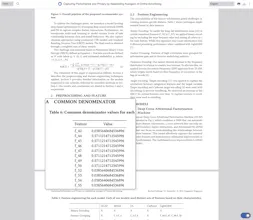
Understand Papers 3x Faster with Moonlight! 1. Text Highlight: Highlight any text to ask questions. 2. Image Capture: Ask questions about any image. 3. Hyperlink Preview: Hover over any hyperlink to view information. 4. Chat: Continue the conversation anytime.
Moonlight gallery image
Free
Launch tags:Chrome Extensions
Launch Team

What do you think? …

Taeho Lee
Maker
📌
Hi. In a world where we are bombarded with 1000 papers a day, I created a paper reader to help researchers. Key Features: 1. Text Highlight: Highlight any text to ask questions. 2. Image Capture: Use the Meta Key (Cmd or Ctrl) + drag to ask questions about any image. 3. Hyperlink Preview: Hover over any hyperlink to view information. 4. Chat: Continue the conversation anytime. With these features, you can quickly read articles and start your research!