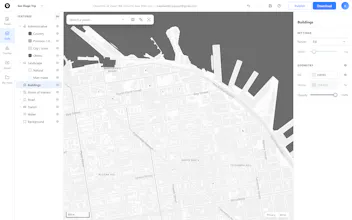
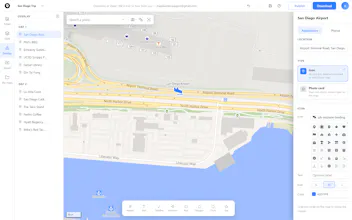
Customize a Google map to your style, drop in custom markers with photo popups, and export a high-resolution PNG or vector SVG. Publish or embed the interactive map anywhere, for free.
Framer AI AgentsDesign and publish professional sites with AI
Promoted
Maker
📌
Hey Product Hunt! 👋
I'm Aaron, maker of Map Builder.
What inspired this?
Back when I was working as an architect, I ran into the exact same frustration on every project: we needed clean, custom background maps that matched the visual style of our master plans and presentation boards. Default Google Maps just ruined the aesthetic, and there was no native way to fix it.
The evolution:
Several years ago, I built a side project to solve this by letting users style Google Maps and download high-resolution images. However, the technical constraints at the time made engineering a truly seamless user experience extremely difficult, so the project sat on the shelf.
The AI revival:
With the recent evolution of AI tools, I revived the project last week to completely overhaul the codebase and elevate the user experience. What used to be technical roadblocks are now fluid features: customizable map layers, zoning shapes, photo-card markers, interactive popups, and high-res PNG or editable vector SVG exports.
Give mapbuilder.app a try—I’d love to get your feedback and answer any questions!