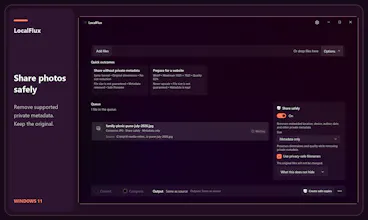
LocalFlux handles everyday files on your Windows 11 PC. Batch convert HEIC photos, shrink videos, create PDFs from supported documents, extract audio, and make photo copies with private metadata removed. Start in the app or from File Explorer. Supported work runs offline after installation, creates new copies, and needs no account. Try it free through the Microsoft Store, then make a one-time purchase if it fits.
Hi Product Hunt, I’m Rishabh, the maker of LocalFlux. I built it for Windows users who want to convert and compress everyday files without sending them to a website. You can add files in the app or start from File Explorer, and LocalFlux keeps the originals unchanged. It supports jobs like HEIC to JPG, video compression, document to PDF, audio extraction, and sharing photos with supported private metadata removed. It is available through the Microsoft Store with a free trial and a one-time purchase. I’d love to hear which file workflow you would try first, and where the experience could be clearer.