
Live Accessibility Overlay
Accessibility problems in plain English, not rule codes
3 followers
Accessibility problems in plain English, not rule codes
3 followers
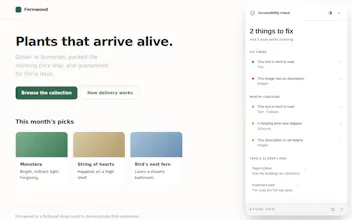
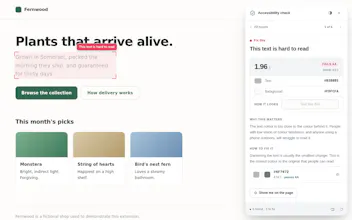
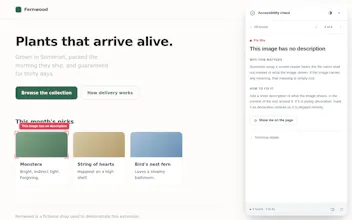
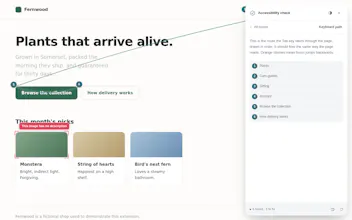
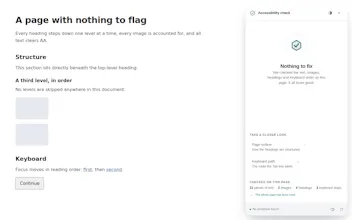
Accessibility tools usually hand you a wall of rule codes. Live Accessibility Overlay tells you what is wrong in plain English, shows you where it is on the page, and suggests a fix. Click the icon on any page for a short list of problems sorted by what to fix first: hard to read text, images with no description, keyboard focus that jumps backwards. For colour issues it suggests the closest readable colour, ready to copy. Everything runs locally. Nothing is uploaded, no accounts.
Free
Launch Team

TinyFishSearch, fetch and browse for AI agents. Claim 30% bonus!
Promoted
