
ListMailer
Send group emails directly from Apple Mail
3 followers
Send group emails directly from Apple Mail
3 followers
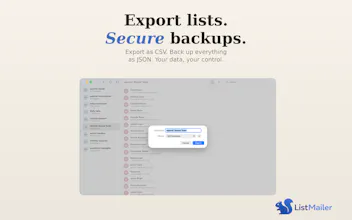
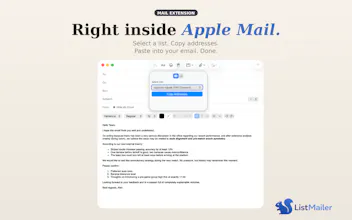
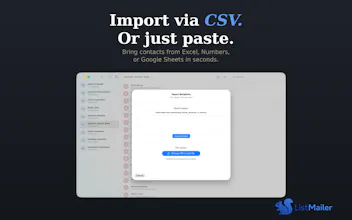
Apple Mail doesn't let you manage distribution lists natively. You either have to go through the Contacts app, or use an external newsletter service. ListMailer fixes this. It's a native Mail extension that lives in your compose toolbar. Create mailing lists, add recipients from CSV or directly from the To/CC/BCC fields of any email, and send to your groups with one click. No app-switching, no web logins.



Hey! I'm David, a teacher in Hamburg, Germany. I built ListMailer because I kept running into the same problem: I regularly send emails to groups of parents, colleagues, and committees, and Apple Mail has no built-in way to manage distribution lists without going through the Contacts app.
That workflow always felt broken to me -- why do I have to leave Mail, open Contacts, create a group, drag people in, and then go back to Mail? So I built an extension that lives right inside the compose window.
The newest feature I'm most excited about: you can now grab addresses directly from the To/CC/BCC fields of any email you're writing and save them to a list. No more copy-pasting addresses one by one.
ListMailer is free for up to 3 lists. Pro is a one-time $4.99 purchase -- no subscriptions, ever. All data stays on your Mac.
I'd love to hear your feedback, especially from other Apple Mail users. What's missing? What would make this more useful for you?
Promocodes:
The first 100 people who try ListMailer get a free Pro lifetime upgrade -- just send a quick email to listmailer@icloud.com and I'll send you a code