Launching today

JUMP
Click anything on your Mac from the keyboard
3 followers
Click anything on your Mac from the keyboard
3 followers
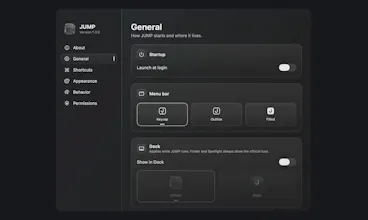
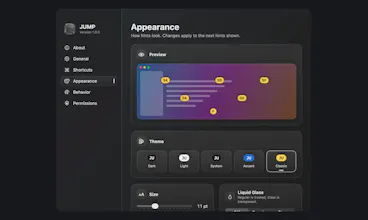
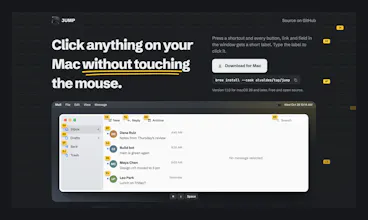
JUMP puts a short label on every clickable element in the focused window. Type the label and JUMP clicks it. It also scrolls any window Vim-style and finds visible text, so you can use Finder, System Settings or any app without reaching for the mouse. Free and open source.

Free
Launch Team

Framer AI AgentsDesign and publish professional sites with AI
Promoted
Hey Product Hunt, I'm Angel and I built JUMP.
In the browser I barely touch the mouse: an extension puts a label on every link and I type it to click. Outside the browser that habit broke. Clicking one button in Finder or System Settings meant letting go of the keyboard, finding the mouse and coming back, many times a day.
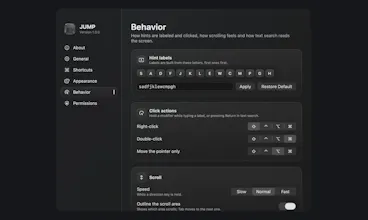
So I built JUMP. Press ⌘⇧Space and every clickable element in the focused window gets a short label. Type it and that's the click. Hold ⇧ to right-click, ⌘ to double-click or ⌥ to only move the pointer. ⌘⇧J scrolls the window with h j k l, and ⌘⇧F finds visible text.
It reads the interface through the macOS Accessibility API, with optional on-device OCR for windows that don't expose their text, like terminals or PDFs.
JUMP is free and open source (GPL-3.0). It needs macOS 26 or later and isn't notarized yet, so the first launch asks you to choose Open Anyway in Privacy & Security.
I'd love to hear which apps it struggles with, and what would make it part of your daily setup.