IONIC
Social Login Using Firebase
0 followers
Social Login Using Firebase
0 followers
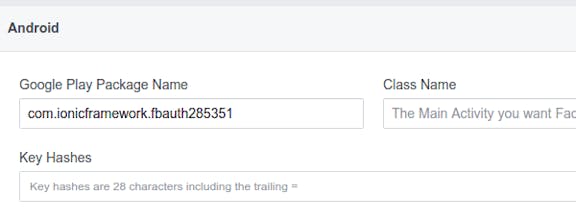
Ionic Social Login using Firebase. We’ll break the process into steps. 1. Add firebase to ionic App. 2. Set up an android app in firebase console. 3. Enable firebase dynamic links, google sign-In in the firebase console. 5. Install plugins in cordova project.