
HoverBoard
Present like a pro. Without the fuss.
6 followers
Present like a pro. Without the fuss.
6 followers
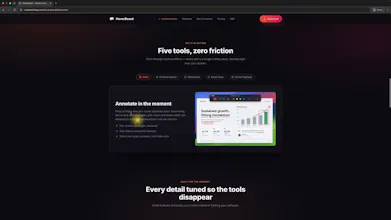
HoverBoard is a native macOS menu bar app that gives presenters five live tools — Draw, Freeze & Explain, Whiteboard, Break Timer, and Cursor Highlight — all triggered by global hotkeys. Works over Zoom, Meet, and Teams without breaking your flow. No account, no cloud. Your data stays on your Mac.

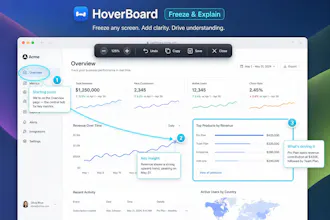


The freeze-and-explain hotkey for Zoom/Meet feels like the kind of thing you only build after using bad alternatives for years. Love that it lives in the menu bar without ever asking for an account.
@melahat38429 yeah, correct. You can download free to try it ❤️