
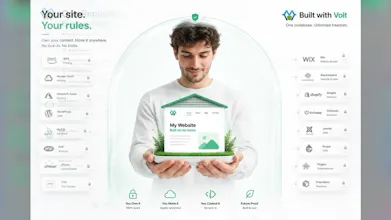
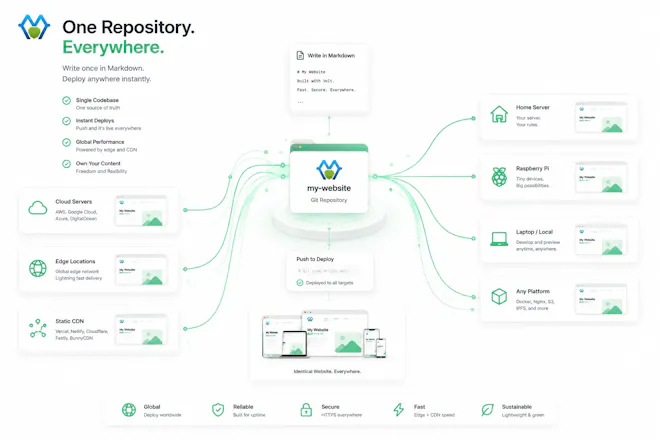
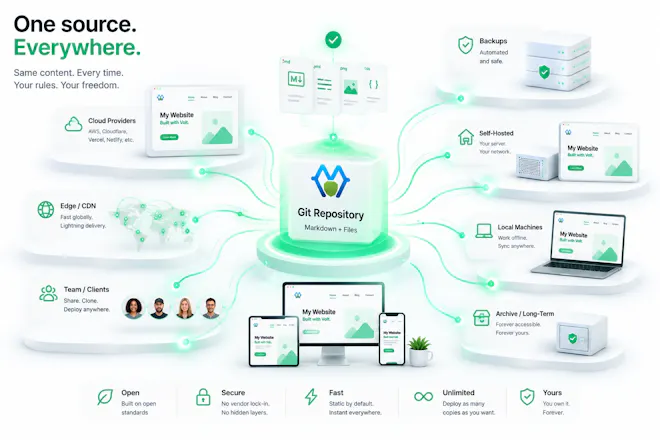
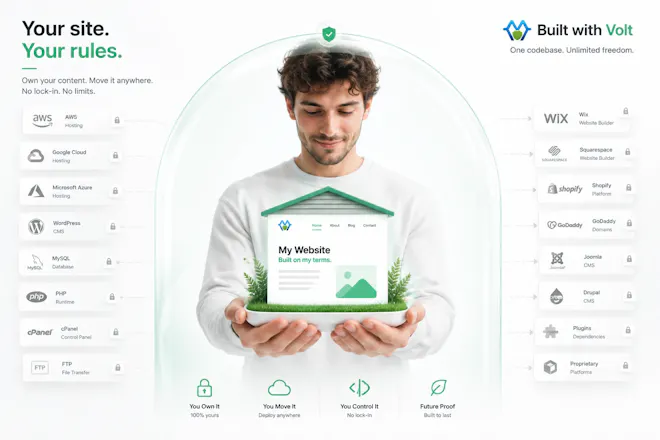
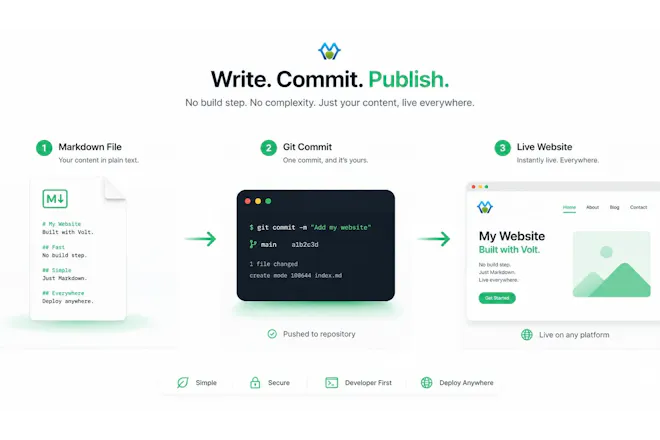
Volt gives you WordPress's ease without its stack. Your whole site is plain Markdown files in Git -- no database, no build step, no lock-in. Write or use the visual editor, hit save, and it's live as fast static pages. One command migrates a live WordPress site: pages, posts, media, menus, and URLs kept. Batteries included: free HTTPS, sitemaps, image CDN, and contact forms with invisible spam protection (no reCAPTCHA, no third parties). Export anytime, self-host anywhere, or host from $0.



Free Options
Launch Team

Customer.ioAutomate Messaging Everywhere — Startups Get 12 Months Free
Promoted
How does the one-command WordPress migration handle custom plugins or themes that aren't part of the default setup?
@zmratasgldubs Hey Zümra -- themes and plugins run on different logic.
Custom themes: it deliberately does not clone your theme's code -- no PHP templates, no functions.php, no dumping the stylesheet. Copying a custom theme verbatim would just re-import the WordPress baggage you're leaving, and it's brittle (theme CSS is welded to WP's exact DOM).
Instead it reads your theme's design intent off the rendered site and maps it to clean tokens -- fonts, light/dark mode, accent color, header layout (full-width vs. constrained), content width -- and your theme's bundled images come over too. So you land on Volt's own clean theme tuned to resemble yours, not a copy of the old code, and tweak the rest in a web admin. The look carries; the baggage doesn't. Custom plugins: fingerprinted, and anything unrecognized isn't "converted" (no clean-room equivalent for bespoke code) but isn't silently stripped either -- a custom block comes through as a visible marker to rebuild, a shortcode's rendered output carries if you migrate from the live URL, and server-side-only plugins have nothing in the content to bring. "Surface, don't swallow."
Short version: your theme's design migrates as clean tokens (not its code), and your plugins' functionality is rebuilt where an equivalent exists, flagged where it doesn't.
How does the visual editor actually save back to the Markdown files in Git without me dealing with merge conflicts every time someone edits a page?
@ceylinuhat The visual editor never touches Git, so there's no merge conflict to manage. On Volt Hosting, saving a page writes that page's Markdown file directly to your site and republishes the static build -- no commit, no branch, no merge. The Markdown file is the source of truth, edited in place.
If two people happen to edit the same page at the same time, Volt uses optimistic concurrency:
your save carries the version you opened, and if the page changed underneath you, you get a "this page changed -- reload before saving" prompt instead of a silent overwrite. Because each page is its own small Markdown file, that check is scoped to the one page, never the whole site.
(If you self-host and keep the files in your own Git repo, you commit on whatever cadence you
like -- and a conflict can only happen the normal way, two people committing divergent edits to the same file. Volt is file-based; Git is optional versioning on top, not something the editor forces on every keystroke.)
How does the migration handle custom WordPress plugins and themes, or does it only cover the core content like pages and posts?
@kkocatepe59352 Hey Kenan -- it's more than just pages/posts, but here's the honest split:
- Core content (pages, posts, media, menus) → migrated in one command, with your exact URLs preserved.
- Custom themes → the design carries, not the code. It reads your theme's fonts, colors, light/dark mode, header layout, and content width off the live site and maps them to clean tokens (plus your theme images) -- so you land on Volt's own maintainable theme tuned to resemble yours, not a copy of the PHP/CSS you're leaving behind.
- Custom plugins → fingerprinted. Known ones get a clean-room feature-equivalent (SEO, forms, page builders, redirects, tables); bespoke ones aren't converted (no equivalent for one-off code) but aren't silently stripped either -- custom blocks come through as visible "rebuild me"
markers, and a shortcode's rendered output carries if you migrate from the live URL.
So: never just core content, but never a blind lift-and-shift either. Content + design + known-plugin functionality migrate; anything genuinely custom gets surfaced for you, not hidden.
Migrated a small WordPress blog to test it and was surprised how clean the markdown workflow feels. The one-command import kept all my permalinks intact, which saved me from a painful redirect job.
@ecegencogl26083 Thanks Ece -- the permalink part is the one I lose sleep over, so it means a lot that it just worked. Most "importers" quietly re-slug everything and hand you a spreadsheet of 301s to babysit. Keeping your exact WordPress paths means your inbound links and search rankings don't even notice you moved -- no redirect job is the whole idea, not a bonus feature.
And glad the Markdown workflow clicked. That "clean" feeling is mostly the absence of things -- no database, no admin, no plugin soup -- just posts that are files you can read, diff, and actually own.
If you ever run a bigger or messier site through it, I'd love to hear where it strains -- the small-blog path is smooth; the interesting rough edges show up at scale.
How does the one-command WordPress migration handle plugins and custom post types, or does it stick to just the core content?
@burhanlbbm Hey Burhan -- good question, and the two halves work really differently.
TL;DR: content (posts + pages) migrates in one command; plugin functionality is fingerprinted and either rebuilt as a clean Volt equivalent, dropped, or flagged; generic custom post types aren't one-command yet (they're on the roadmap).
Plugins. It doesn't run them -- plugin logic is server-side PHP and the output is a no-build Node app, so there's nothing to execute. Instead it fingerprints what you're running (asset paths, REST namespaces, JS globals -- ~46 in the catalog) and gives each one a disposition:
- port -- a clean-room feature-equivalent with your config mapped onto it. Built today: SEO (Yoast/Rank Math/AIOSEO), Gravity Forms, Gutenberg + Elementor layouts, Redirection, TablePress/Ninja Tables.
- drop -- Volt or the host already covers it (caching, security, backups).
- flag -- too complex/commercial to auto-convert (WooCommerce, LMS, memberships) -- surfaced for you to decide, not silently half-migrated.
- fallback -- no adapter yet; best-effort, flagged for review.
So a plugin's functionality gets replaced, dropped, or flagged -- never lifted-and-shifted with its PHP. It's O(plugins), which compounds across sites, not O(sites), which never converges.
Custom post types. Straight answer: it migrates the core types -- post and page -- as content today. A generic CPT (Portfolio, Event, Product) gets parsed but isn't yet emitted as its own content, so I won't pretend that part is one-command. A few CPTs are special-cased because they map cleanly: TablePress tables inline, nav menus become the site nav, attachments become the media library. CPT → Volt data collections is the next build -- the plumbing already exists (the db add-on + a CSV importer that emits data collections).
The philosophy is deliberately not "clone the whole install." It carries your content cleanly, swaps plugin functionality for clean Volt equivalents where they exist, and flags what genuinely needs a human -- so you land on a fast, maintainable app instead of re-hosting the WordPress mess.
If you've got a specific CPT in mind, tell me the type and rough record count and I'll wire it up -- it's a clean extension, not a rewrite.
The one-command WordPress migration that preserves URLs and media is genuinely clever, so many tools promise imports and then break your existing structure. Love that it's just Markdown in Git underneath, no proprietary format to escape from later.
@derinhrdavh1ay Thanks Derin -- that "no proprietary format to escape from later" line is exactly the point, and honestly the part I care about most. What you land on is just a folder of .md files plus a .env in a git repo. Edit it in any text editor, diff it, or walk away to a completely different static generator -- nothing's trapped in a database or a custom schema. The job is to get you out of WordPress cleanly and then get out of your way.
And yeah, URL preservation was non-negotiable. A "migration" that renumbers your permalinks and re-slugs your media isn't a migration, it's a redirect nightmare and an SEO reset. So every page keeps its exact WordPress path, media keeps resolving, and any legacy URLs land in a
_redirects file -- inbound links and rankings survive the move instead of getting torched on day one.
Appreciate you seeing what it's actually for.