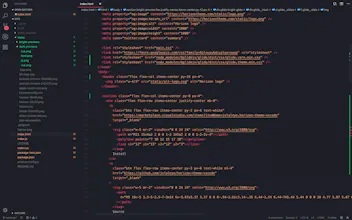
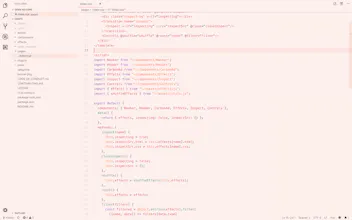
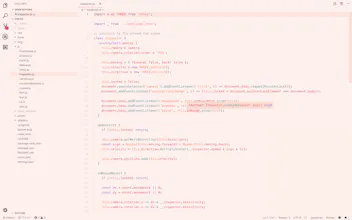
Horizon Theme for VSCode
A beautifully warm dual theme for Visual Studio Code
0 followers
A beautifully warm dual theme for Visual Studio Code
0 followers
Installation 1. Open the Extensions sidebar in VS Code 2. Search for Horizon Theme 3. Click Install 4. Open the Command Palette with Ctrl+Shift+P or ⇧⌘P 5. Select Preferences: Color Theme and choose a Horizon variant. 6. Enjoy! 🎉