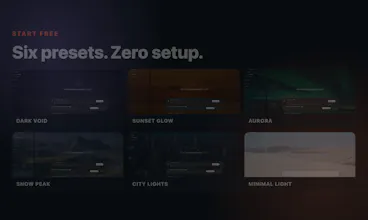
GptSkin turns any image into a coordinated theme for the Codex desktop app—backgrounds, surfaces, accents, syntax colors, and readable contrast. Start with six free presets or create a custom theme, then install it with the open-source GptSkin Skill.

Hey Product Hunt — I built GptSkin because changing a coding app’s wallpaper was never enough for me. The image, panels, controls, borders, syntax colors, and contrast should feel like one visual system.
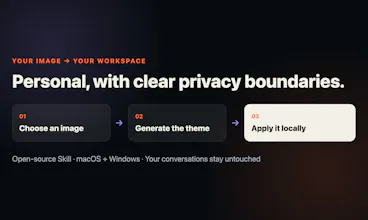
GptSkin turns an image into a coordinated theme for the Codex desktop app on macOS and Windows. You can try six presets without creating an account. Custom themes are applied through the open-source GptSkin Skill.
GptSkin does not modify Codex’s signed application files or read your conversations, and restoring the default appearance takes one command. For transparency, custom image compilation is server-backed, while presets and saved themes are applied locally.
I’d especially value feedback on three things:
Do the palettes feel coordinated rather than merely tinted?
Is the installation and restore flow clear?
Which preset should become the default demo?
Thanks for taking a look. I’ll be here to answer technical and design questions.
Report
No reviews yetBe the first to leave a review for GptSkin