
GenGo
Transform selected text anywhere on macOS
58 followers
Transform selected text anywhere on macOS
58 followers
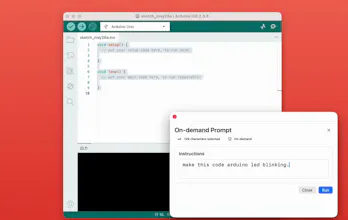
Gengo is a macOS utility that transforms selected text instantly using AI. Select text anywhere on your Mac, describe what you want, and Gengo replaces it in place. Turn GitHub URLs into GitHub Pages URLs, convert Japanese into natural English, generate terminal commands, format SQL, create TypeScript types from JSON, and much more — without switching apps or breaking your workflow.


Replacing the selection in place is the part that'd make me nervous — if I select a paragraph and the transform isn't what I expected, is there a clean undo, or am I trusting Cmd+Z to walk back exactly what got swapped? A diff-preview before it commits would calm that a lot.
@sounak_bhattacharya
That’s a great question — by default, Gengo does not automatically replace the selected text immediately.
Instead, it first shows the generated replacement candidate, and the user explicitly decides whether to apply it:
• Cmd+Enter → apply replacement
• Esc → cancel
So the workflow is designed to keep the user in control before committing any change.
For users who prefer a faster workflow, there’s also an optional auto-replace mode.
And of course, standard undo (Cmd+Z) still works as expected, so please feel free to experiment without fear 🙂