
Free Browser Based Image Converter
Convert JPG, PNG, WebP, AVIF in browser. No upload.
1 follower
Convert JPG, PNG, WebP, AVIF in browser. No upload.
1 follower
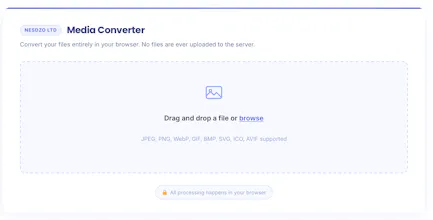
Most online image converters upload your files to a server first. If you are converting client work, product photos, or anything sensitive, that is a problem. This does not. Everything happens in your browser. - JPG, PNG, WebP, AVIF, BMP, GIF, TIFF, ICO, SVG input - JPG, PNG, WebP, AVIF, BMP, GIF, TIFF, ICO, PDF output - Quality and size settings - No upload, no server, no queue - No file size limit beyond your device memory Free. No account. No watermark. nesdzo.com/image-converter


Free
Launch Team / Built With


Viktor.comAn AI coworker that actually does the work
Promoted

 Local Panel