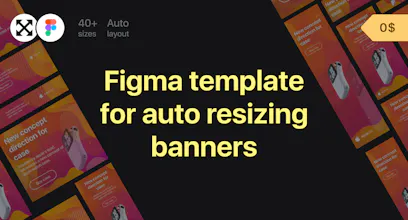
Social media ready sizes: Instagram, Facebook, Twitter, Google Ads, Yandex.Direct, LinkedIn, YouTube, Pinterest, Twitch, Mailchimp, Website A new version of the legendary template https://gum.co/autoresizing-banners
I am just looking for something like this! The whole package is just awesome, I just need the Google Ads part. Thank you for sharing. Love it <3
Report
Maker
@monzurul Thanks for your feedback :) I am very glad that this template will save you time😊
Report
Maker
Hello everyone! My name is Aleksander. I working product designer. During the working process we often need to create different variations of the same banner ad for social networks, Google Ads, etc.
I made a simple tool which helps minimizing all the routine job on scaling the same banner ad to different sizes, leaving more time to concentrate on generating great ideas 🙂
I chose Figma as a base tool, because it storages all data in cloud, it has a feature to comment layouts and in general it’s easy to use. All these factors allow you to show the results of the work to the customer faster and get to the discussions sooner.
In Auto resizing banners you only need to do few clicks to change the template and you instantly get 40+ files for different social networks and advertising platforms, as well as opportunity to export them to your local disk. Templates in Auto resizing banners are fully customizable. You can create a banner ad according to your corporate style or customer requirements.
Auto resizing banners tool helps you to create a great deal of material for social networks and see the results in the preview mode. Auto resizing banners is perfect for graphic designers and marketers.
Reviews and propositions are welcomed. Thank you.
https://gumroad.com/l/autoresizi...
Hi there it looks amazing but I can't find the Figma file in the download, help is appreciated
Report
Maker
@ben_foos Hi Ben, thanks a lot 1. Follow the link https://gum.co/autoresizing-banners, 2. Click the button "I want this", 3. Open link in the TXT file with name "Figma template for auto resizing banners". 4. In Figma project click on down arrow above file name, 5. Click "Duplicate", 6. 🎊
Also u can write me on pirus981@gmail.com
Report
Thank you very much, everyone has encountered such a problem. Your tool will help a lot.
Tube Spy