
FactLens Live Fact Checking for Chrome
Live fact checking with Sources YOU choose to Trust
7 followers
Live fact checking with Sources YOU choose to Trust
7 followers
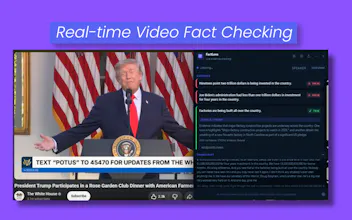
FactLens fact-checks claims in videos, podcasts, and live tabs as you browse. It turns detected claims into evidence cards backed by sources you choose to trust, while letting you block sources you do not. Bring your preferred AI and search providers, use Your Browser for web verification, and set per-minute API limits to keep costs under control. Built for people who want faster context without surrendering control over where their evidence comes from.


Hey Product Hunt 👋 Shahed here, creator of FactLens.
I built FactLens because I kept seeing posts, videos, podcasts, livestreams, screenshots, and memes make claims that sounded confident, but checking them manually was annoying.
You pause the video.
You open search.
You try different queries.
You compare sources.
You still wonder what to trust.
By then, the moment is gone.
So I built FactLens.
FactLens is a Chrome extension that helps fact check what you watch or see in your browser. It has two main modes.
🎥 Live audio and video mode
FactLens listens to browser tab audio, transcribes what is being said, detects checkable claims, searches for evidence, and shows source backed verdict cards in a floating panel.
🖼️ Image and post scan mode
FactLens can also scan visible posts, screenshots, memes, charts, and images, then use a vision capable AI model plus search to verify what is being claimed.
The main idea is simple:
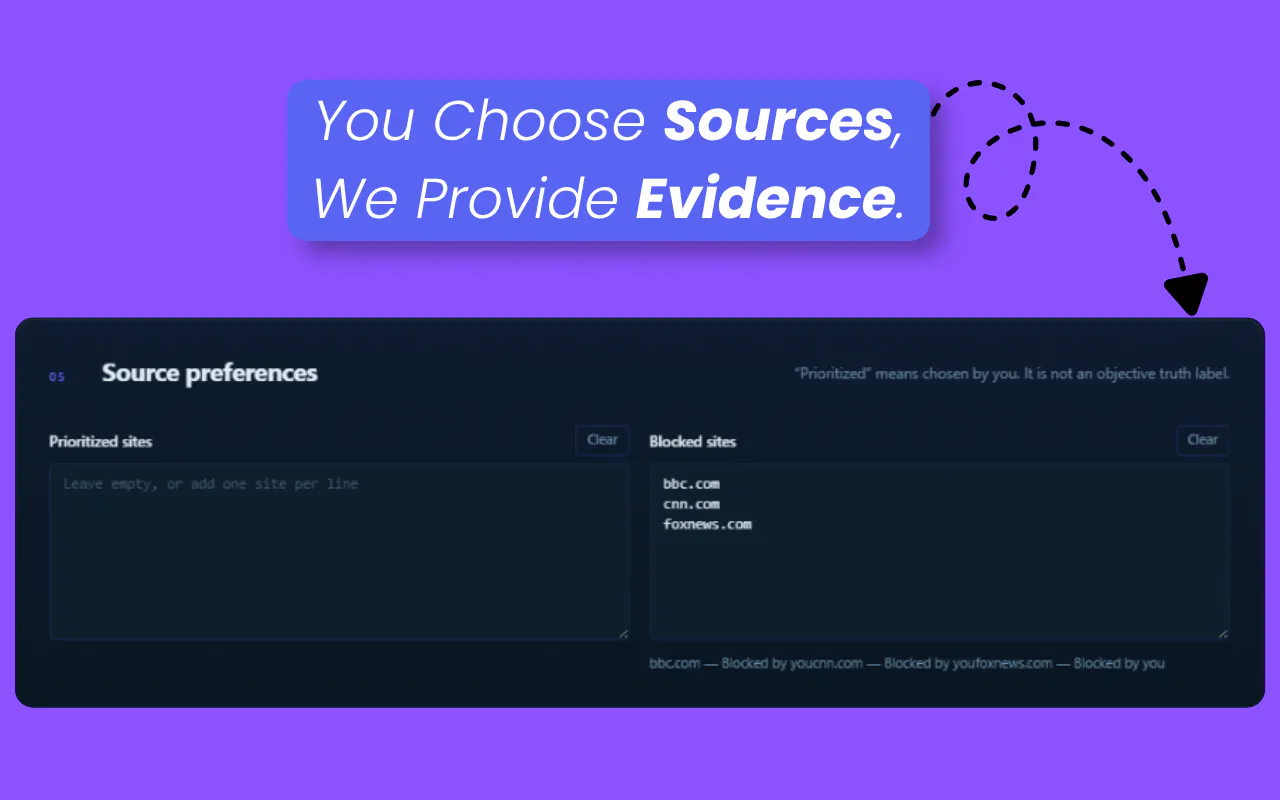
You choose the sources. FactLens provides the evidence.
I did not want to force everyone into one fixed source list, because people trust different outlets, databases, and websites. So FactLens lets you control what it uses.
• Prioritize sources you trust
• Block sources you do not trust
• Choose your own transcript provider
• Choose your own AI provider
• Choose your own search method
• Set API request per minute limits so provider costs do not get out of hand
For transcription, you can use Deepgram, Gladia, OpenAI STT, Cloud Whisper, or a custom transcription endpoint.
For AI and vision, you can use Gemini, OpenAI, Anthropic Claude, or a custom OpenAI compatible endpoint.
For Search, you can use Serper, Brave Search, SerpApi, Custom Search, or Your Browser.
🔎 Your Browser is one of my favorite features. Instead of requiring another paid search API, it uses your own browser to search and verify claims. It is meant to be the free forever search option, so people can get started without paying for another search service.
FactLens does not force everything into true or false. It can show verdicts like True, Mostly True, Misleading, False, Unverified, Opinion, or Larping, depending on what the evidence actually supports.
You can start for free at factlens.pro.
I am already planning prompt customization, custom token limits, custom evidence cards, and more control over how verdicts work.
I would genuinely love feedback from Product Hunt. If you try it, tell me what felt useful, what felt confusing, and what you would want FactLens to check better.
How does it decide which moments in a video or podcast are worth flagging as claims, and does it process audio in real time without frying my CPU on a regular laptop?
@hayrunnisat5ly Good question! It doesn’t jump on every sentence. FactLens reads the transcript in short rolling sections and keeps useful context from the current video, such as its metadata, the current speaker when available, nearby dialogue, and what was just discussed. It mainly flags specific, externally checkable statements like dates, statistics, quotations, events, or causal claims.
It also doesn’t force everything into true or false. Results can be True, Mostly True, Misleading, False, Unverified, or Opinion.
For performance, the extension doesn’t run a local speech model. Audio goes to your selected transcription provider, while FactLens handles the transcript and overlay. Most of the heavy processing happens through your chosen providers, so it should run comfortably on a regular laptop.