Use DeepSeek Harness on native Windows without guessing what's broken. dsh-win32 checks prerequisites, creates a desktop shortcut, and diagnoses known native-load failures. Optional live verification tests the installed PowerShell and Windows ACL sandbox without a model key. If an old plugin blocks startup, preview its deactivation and apply it with a manifest backup. Free, open source, and built for an existing DSH installation.
Hi everyone, I'm JinHyuk, the maintainer of dsh-win32.
This is for people using DeepSeek Harness on Windows who want to check their setup or recover from a known startup problem. Current DSH already has persistent PowerShell and a Windows ACL sandbox. dsh-win32 works alongside that official stack.
Start with:
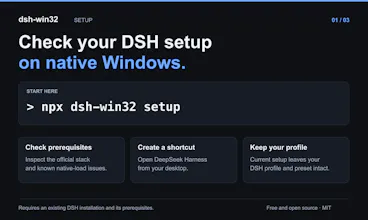
npx dsh-win32 setup
It checks the environment and creates a desktop shortcut without replacing your current DSH profile or preset. It requires DSH and its prerequisites; it is not a DSH installer.
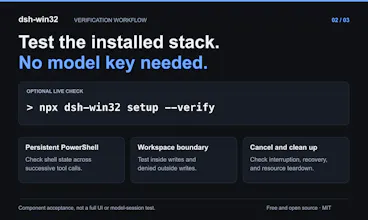
For a live check, add --verify. It tests the installed PowerShell components in an isolated temporary workspace: persistent shell state, workspace writes, denied outside writes, cancellation, and cleanup. No model or API key is needed. That is a component test, not a claim that every Desktop, Minimal, or hook workflow has passed.
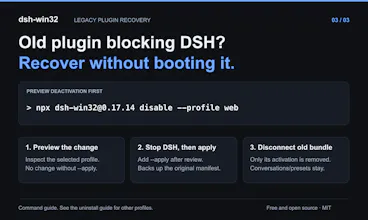
The latest release also handles a frustrating recovery case: an old dsh-win32 plugin can prevent DSH from starting, including its normal removal command. The standalone disable command previews deactivation without booting DSH. After you stop DSH, --apply backs up the manifest and removes only the old bundle activation. It does not delete conversations or presets.
The CLI is free and MIT-licensed, with English and Chinese guides. If you try it, I'd like to hear which DSH version you're running and where your first run gets stuck. Please remove secrets and personal paths from any logs you share.